Managing checkout in retail is tough, especially when thousands of shoppers flow through every hour. Walmart’s POS system handles this volume with unmatched speed and accuracy, combining staffed lanes, self-checkout, payment processing, and AI verification.
This post breaks down how Walmart does it, from hardware to workflows. Then we compare Walmart’s POS system to KORONA POS, showing how even smaller retailers can learn from — or replicate — parts of Walmart’s setup.
Key Takeaways:
- Walmart uses its own cloud-based POS system called CPC (Cloud Powered Checkout), built in-house by Walmart Global Tech.
- The system synchronizes inventory in real-time, manages digital receipts, and routes fulfillment data across stores and warehouses.
- AI, computer vision, and RFID technology support faster checkout, accurate receipts, and smooth operations at a massive scale.
- Smaller retailers choosing a POS can mimic key workflows — such as digital receipts and self-checkout — using modern solutions, like KORONA POS, without needing Walmart’s scale.
What POS System Does Walmart Use?
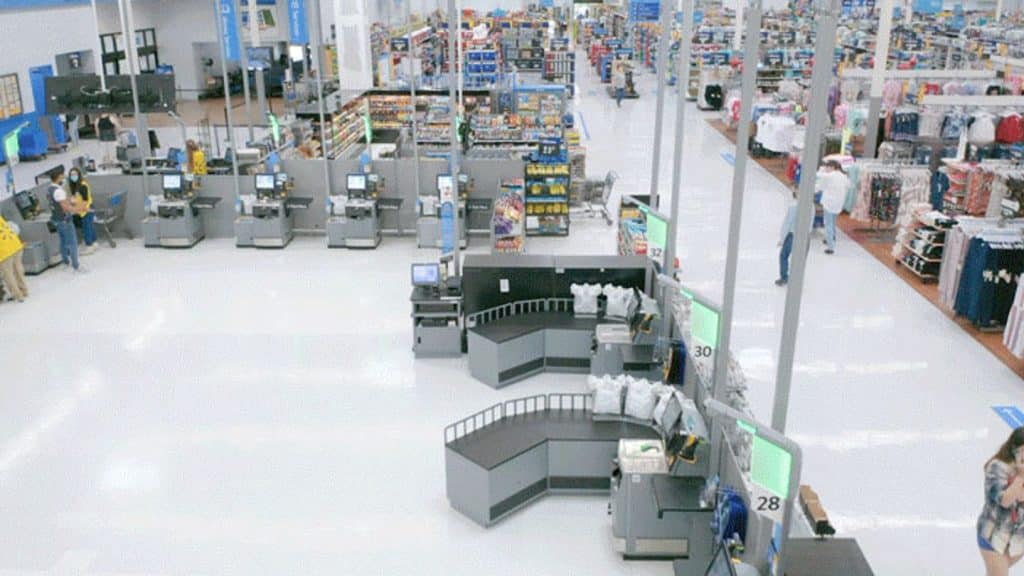
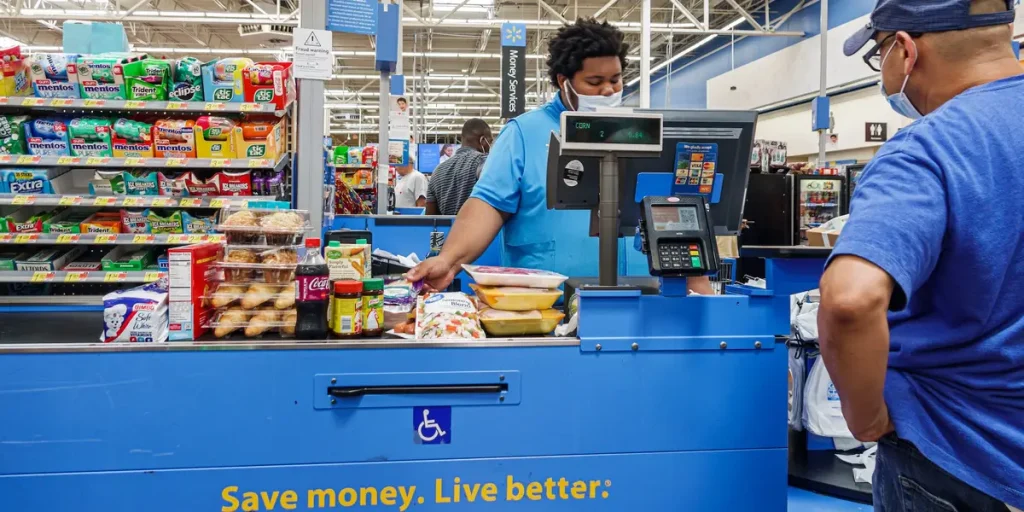
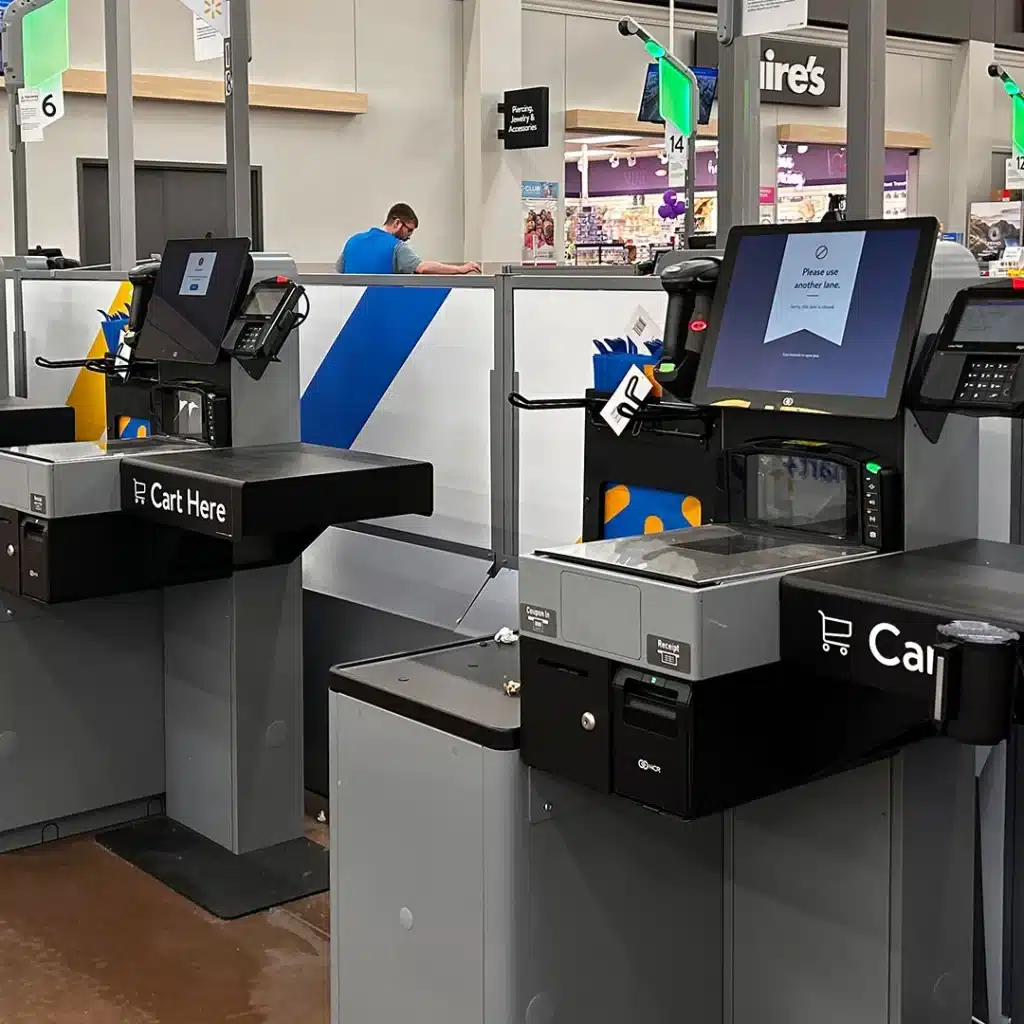
Source (left to right): Dallas Innovates, Business Insider, The Sun
Walmart runs on CPC (Cloud Powered Checkout), a proprietary, cloud-native system developed in-house. CPC links every transaction—staffed lanes, self-checkout kiosks, Walmart Pay, and Sam’s Club Scan & Go—directly to inventory and reporting systems.
Its modular design allows store-specific customization while keeping promotions, receipts, and fulfillment in sync.
PRO TIP!
For smaller retailers seeking a more straightforward setup, consider KORONA POS, which offers similar features without the massive infrastructure required to run an operation as large as Walmart.
Overview of the Walmart POS
There are many types of POS systems. CPC acts as the backbone of Walmart’s POS operations. It supports multiple checkout methods, integrates omnichannel data, and automates inventory management across thousands of stores. Staffed lanes, self-checkouts, and app-based payments all connect to one central system, enabling faster service and accurate receipts.
Walmart also leverages AI and computer vision to ensure Scan & Go operations at Sam’s Club are both fast and secure. Retailers, even small merchants, can learn from Walmart’s approach to digital receipts, self-checkout, and workflow standardization.
Do you own or manage a convenience store, hardware store, or retail shop?
Our post on other companies’ POS setups could offer some inspiration for designing your own. Check out our post on Target’s POS system or Home Depot’s POS system to learn more.
Features of Walmart’s POS System
Walmart’s POS combines scale, speed, and automation to handle millions of transactions daily, while maintaining consistent customer experiences.
Here are seven key features of Walmart’s POS system:
Key Feature #1: Staffed Lanes and Self-Checkout
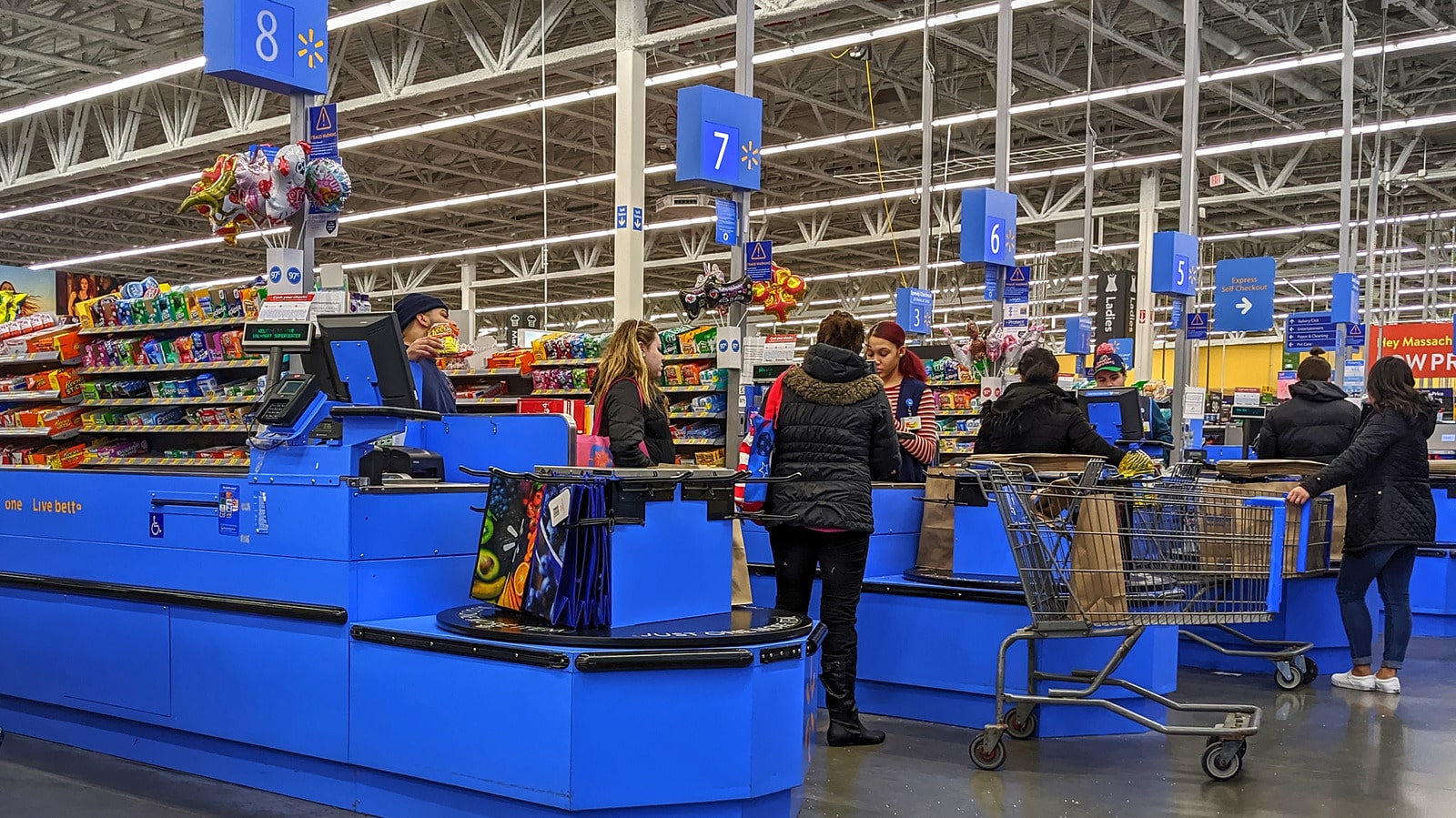
Walmart operates thousands of staffed checkout lanes and self-checkout kiosks, ensuring shoppers can choose the fastest option. The self-checkout fleet is managed via NCR hardware, optimized for speed and a consistent user experience.
Key Feature #2: Walmart Pay
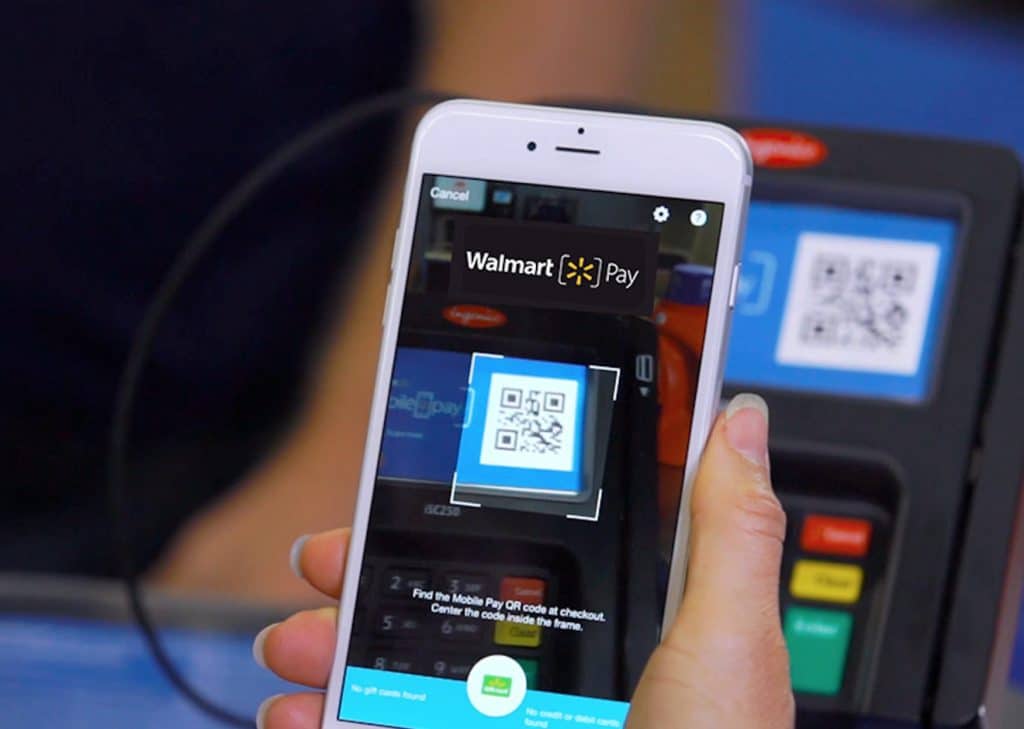
Customers can pay via Walmart Pay, using a QR code on their app to link directly to the register. This simplifies card handling, ensures digital receipts, and integrates rewards and returns.
Key Feature #3: Scan & Go (Sam’s Club)
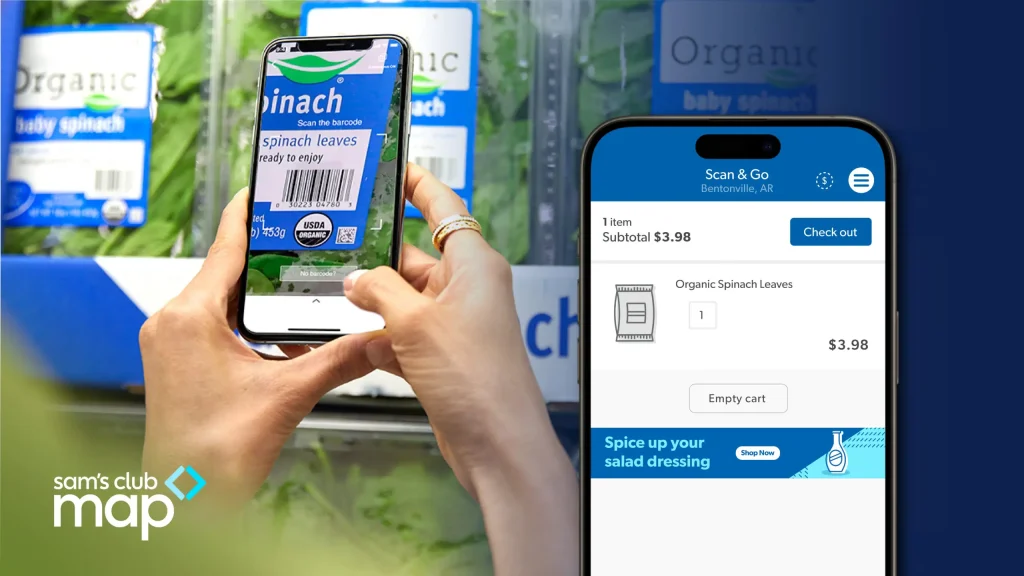
Members scan items in-app while shopping, pay digitally, and exit through AI-verified gates. This speeds up checkout by about 23% and reduces congestion during busy periods.
Key Feature #4: AI and Computer Vision
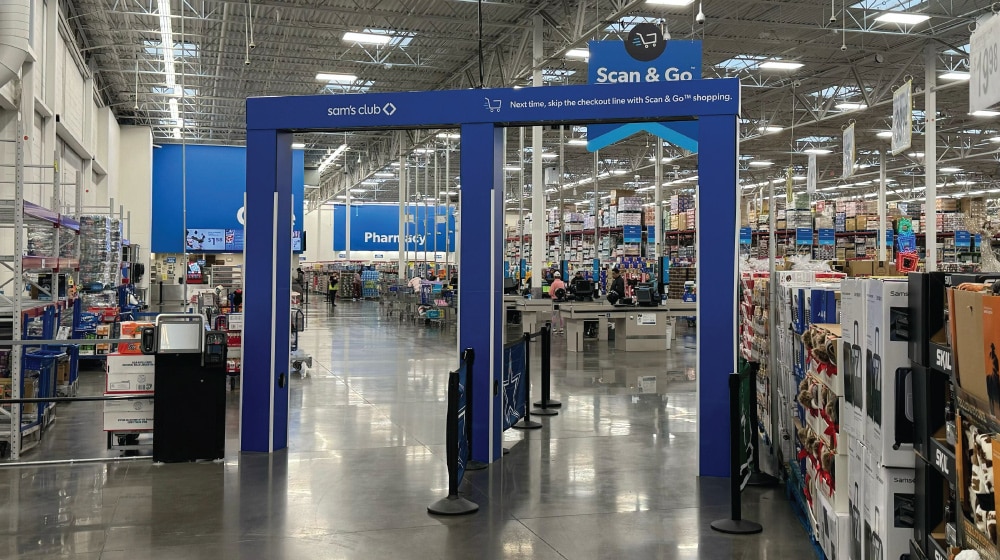
Behind the scenes, AI and computer vision match scanned items to receipts, reducing errors and missed scans. This ensures faster exits and more accurate end-of-day reporting.
Key Feature #5: RFID Inventory Tracking
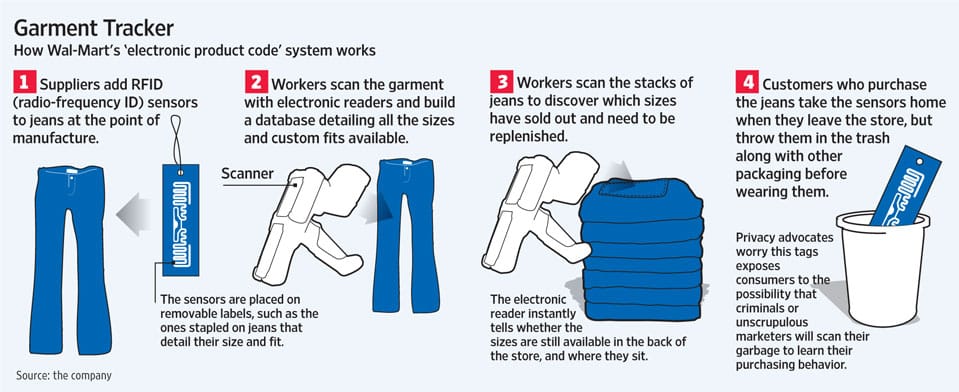
Specific product categories are RFID-tagged to speed up inventory counts. Accurate inventory keeps promotions correct and helps ensure items are in stock during checkout.
Key Feature #6: Digital Receipts and Reconciliation
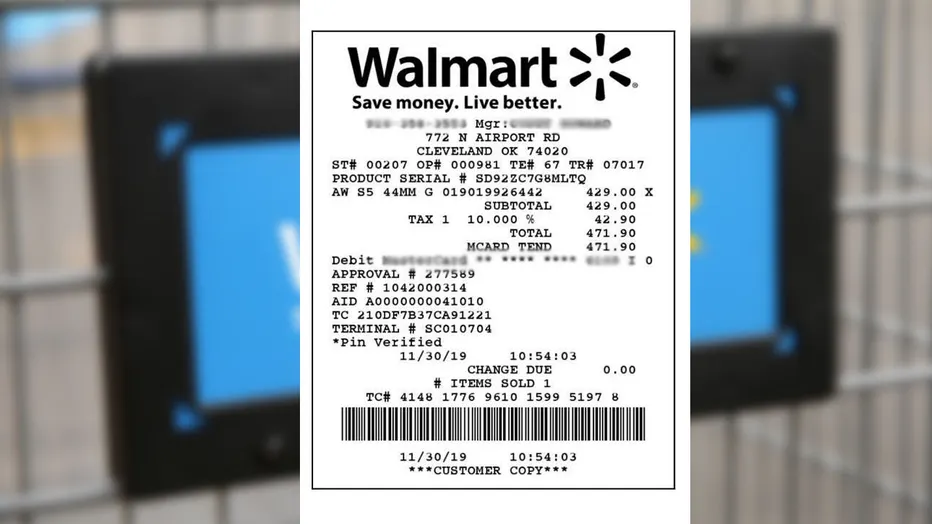
Receipts are automatically linked to customer accounts, reducing paper use and simplifying returns. Staff can reconcile transactions without needing to double-check manually.
Key Feature #7: Associate Hardware and Mobile Devices
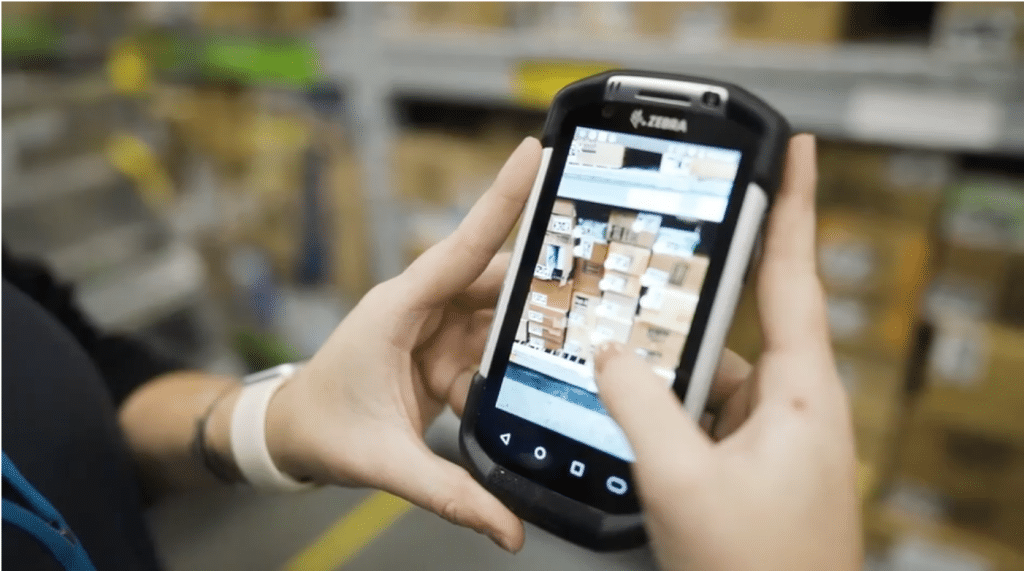
Rugged tablets and handheld scanners help associates assist customers, check prices, and manage inventory efficiently. This mobile POS (mPOS) setup keeps service fast even during peak shopping hours.
How Walmart’s POS System Improves Operational Efficiency
By syncing transactions and automating key processes, Walmart’s POS system reduces friction for both staff and customers. Here’s how:
Centralized Reporting
All sales and inventory data are consolidated into a single system, enabling quick decisions and consistent reporting across stores.
Reduced Checkout Bottlenecks
Self-checkout and Scan & Go reduce lines, while AI verification speeds up exits and maintains accuracy.
Consistent Digital Receipts
Receipts are automatically linked to customer accounts, reducing errors and paper usage.
Inventory Accuracy
RFID and real-time inventory updates prevent stockouts and ensure that promotions are applied correctly.
Staff Efficiency
Mobile devices enable associates to handle price checks, assist shoppers, and quickly switch between lanes.
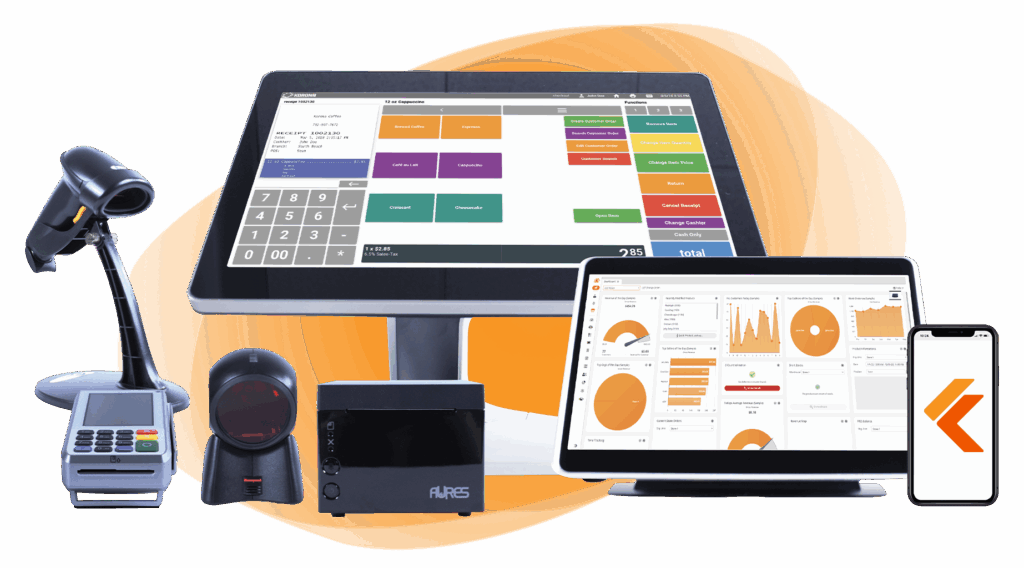
Build Your Own POS
Whether you run a retail store, café, or admissions booth, we have point-of-sale hardware designed to meet your specific needs. Start building your ideal POS system now.
Challenges and Limitations of Walmart’s POS System
Although it’s powerful, Walmart’s POS system still encounters issues and growing pains that naturally arise from operating such a vast retail network. There are a few significant limitations worth mentioning:
Custom Development & Maintenance Costs
Building and maintaining a proprietary system at Walmart’s scale requires massive resources — few retailers can match that investment.
Complexity May Limit Flexibility for Smaller Retailers
CPC is built for global-scale retail — smaller retailers may find many features overkill and more complicated to customize to their niche needs.
Scalability for Smaller Retailers
For some retail operations (small or specialty stores), a full-blown custom, cloud-native, microservices POS may be more than what’s necessary. It could increase cost and complexity without proportional benefit.
Best Alternative to Walmart’s POS System: KORONA POS
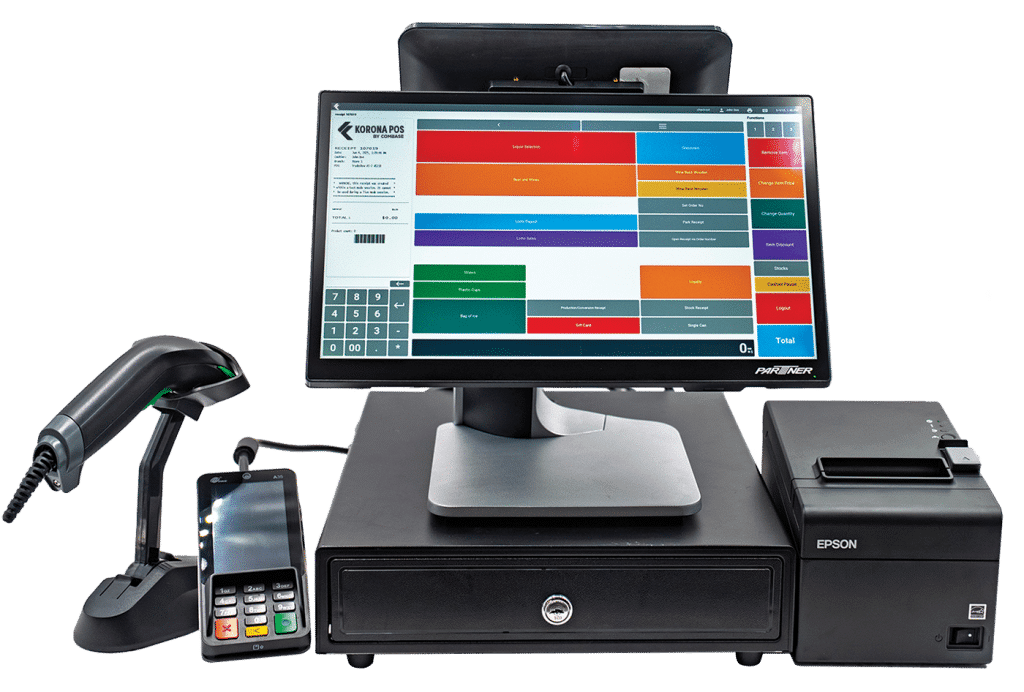
For retailers considering a powerful, flexible POS solution without building from scratch, KORONA POS offers a streamlined, pre-built alternative that still provides merchants with certain levels of customization. KORONA POS delivers many core benefits similar to Walmart’s system, but at a viable scale for small and mid-sized stores.
Key Features
For small- to medium-sized retailers, KORONA POS offers enterprise-level tools at an affordable cost. Here are the system’s most stand-out features:
#1: Real-Time Inventory & Sales Tracking
KORONA synchronizes sales and stock instantly across registers and stores, helping avoid stockouts and improve inventory accuracy.
#2: Flexible Checkout Options
KORONA offers infrastructure for traditional cashier lanes, barcode scanners, receipt printers, and even self-checkout or mobile checkout, giving stores options to match their layout and needs.
#3: Multi-Store / Multi-Location Management
KORONA makes it easy to manage multiple stores from one place, with shared reporting and inventory tools that are perfect for growing retail chains.
Pricing
KORONA POS Pricing
Core
$59/mo
- Full customer support
- Unlimited users
- KPI reports
Retail
$59/mo
- Everything in Core
- Inventory management
- Multistore ready
Enterprise
$59/mo
Customized for large stores or chains with advanced needs.
Where KORONA POS Shines
- Scalability on a budget: Get enterprise-style POS features for franchising or multiple locations without the cost of building from scratch
- Easy to set up: Run it in the cloud or on-premise, and with most standard retail hardware
- Versatility: Fit for small businesses, convenience stores, or multi-store retailers—not just chains and franchises
Where KORONA POS Falls Short
- Not built for Walmart-scale volume: Large chains of hundreds of stores that need the customization of an in-house built solution may still outgrow it
- Fewer advanced AI features: Though KORONA POS does have some AI features, it doesn’t replicate Walmart’s computer vision Scan & Go
- Not as advanced as custom enterprise systems: Some high-level supply chain or fulfillment features won’t go as deep as what Walmart’s fully custom-built solution can offer
Customer Reviews
Users on platforms like G2 and Capterra praise KORONA for its intuitive interface, reliability, and responsive support — especially for small to mid-size retailers needing real-time inventory and easy register operation.
KORONA POS is very user-friendly. You can customize the interface to conform to your business needs. Their customer service is based in the United States, always accessible, and consistently excellent. We love that we can use it to help our business scale.
-Darlene P.


Who KORONA POS is Best For
- Retailers scaling from a single store to multiple locations: Want centralized inventory and sales across outlets
- Small- to mid-size shops & convenience stores: Need reliability, flexibility, and modern POS without enterprise overhead
- Businesses seeking a quick setup and minimal technical burden: Prefer plug-and-play solutions over building from scratch
Get started with KORONA POS today!
Explore all the features that KORONA POS has to offer with an unlimited trial. There’s no commitment or credit card required.
Streamline Your Retail Operations With an All-in-One Point of Sale System
Modern retailers can take cues from Walmart without having to build a national-scale infrastructure. With KORONA POS, you get inventory syncing, digital receipts, flexible checkout, and multi-store management—all in one system.
Upgrade your checkout experience, reduce staff friction, and delight customers with a POS built to scale with your business.