


Key Takeaways:
- Chick-fil-A uses a custom-built, in-house POS system designed specifically for its high-volume quick-service and drive-thru model.
- The system relies heavily on mobile tablets, line-busting iPOS devices, and deep app integration to maximize speed and order accuracy.
- Independent operators cannot buy Chick-fil-A’s POS—restaurants need a scalable, flexible alternative like a modern POS system built for quick service.
If you’ve ever wondered how Chick-fil-A moves cars through a drive-thru line at record speed, the answer starts with its POS system. The Chick-fil-A POS system is a proprietary, in-house platform engineered for high-volume quick-service efficiency and mobile-first ordering.
In this guide, we’ll break down what POS system Chick-fil-A uses, what makes it unique, and how it supports operations at scale. Then we’ll compare it to flexible alternatives, so you can determine what works best for your business.
What POS System Does Chick-fil-A Use?
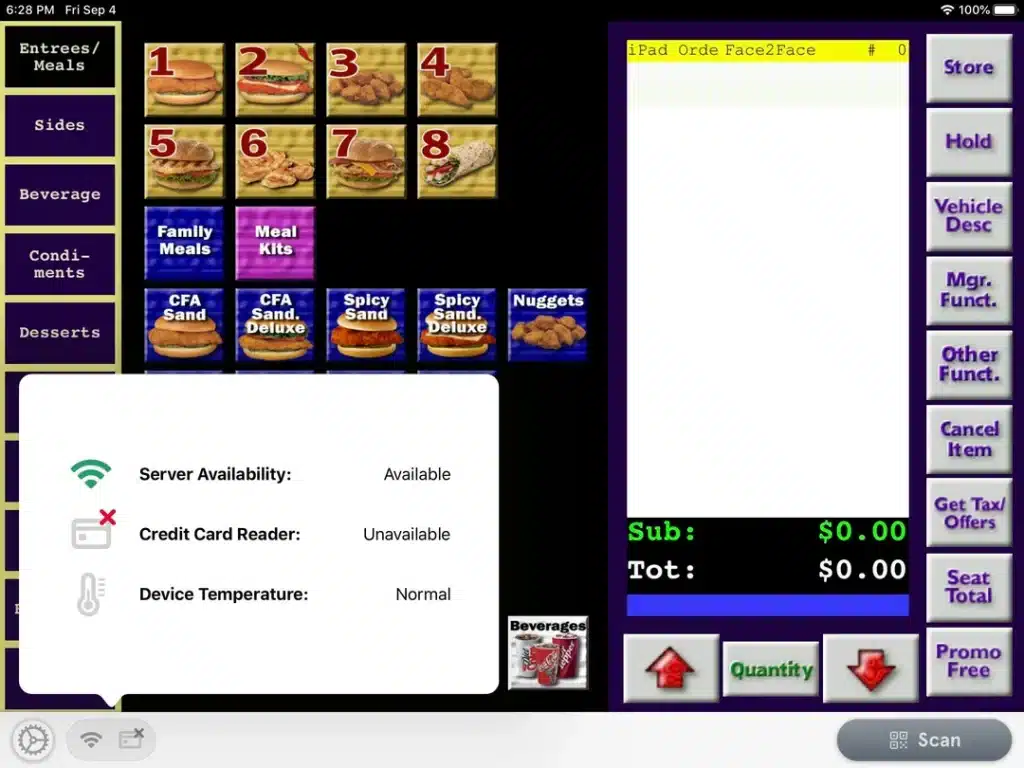
Chick-fil-A uses a custom-built, proprietary POS system developed internally by Chick-fil-A, Inc. It is not a third-party platform like Toast or Square and is not available for purchase by other businesses.
The system is purpose-built for its quick-service model, combining fixed terminals, handheld tablets (often referred to as “iPOS”), kitchen display systems, and deep integration with its mobile app and loyalty ecosystem.
Overview of the Chick-fil-A POS System
Chick-fil-A’s POS ecosystem is engineered around speed, mobility, and centralized control. Key components include:
- Handheld iPOS tablets for outdoor line-busting
- Integrated mobile app ordering and loyalty
- Kitchen Display System (KDS) synchronization
- Centralized corporate data reporting
- Cloud-connected infrastructure with internal controls
While Chick-fil-A’s system functions similarly to a cloud POS system, it is not commercially available. If you’re evaluating the difference between POS architectures, understanding the distinction between POS vs. mPOS, the different types of POS systems, and cloud vs. server POS is essential before choosing a platform.
Key Features of Chick-fil-A POS System
Chick-fil-A’s POS is engineered for throughput, accuracy, and brand consistency across thousands of locations. Its key features include:
Key Feature #1: Line-Busting iPOS Tablets
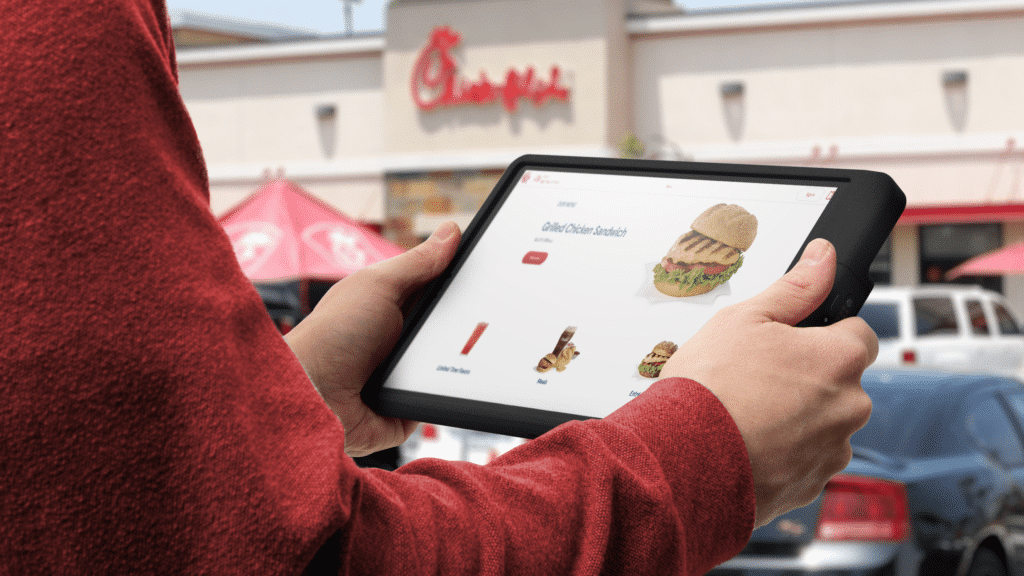
One of Chick-fil-A’s most recognizable innovations is its handheld iPOS devices used outside in drive-thru lanes. Employees take orders face-to-face before customers reach the speaker or window, dramatically reducing bottlenecks.
These tablets connect directly to the main POS and kitchen systems in real time. The result is faster order entry, fewer miscommunications, and improved drive-thru throughput during peak hours.
Key Feature #2: Deep Mobile App & Loyalty Integration
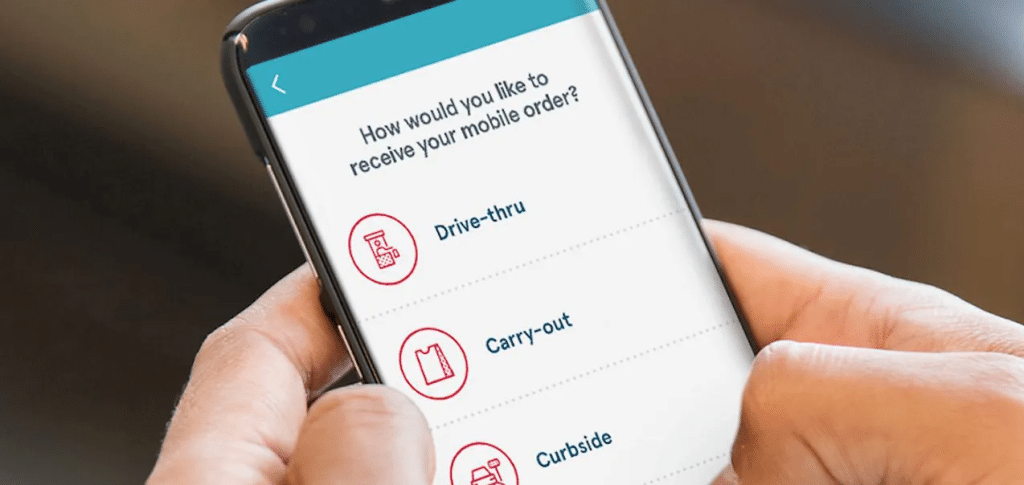
Chick-fil-A’s POS is tightly integrated with its mobile app, enabling order-ahead, curbside, and loyalty rewards. Customer profiles, payment methods, and reward points sync directly into the transaction system.
This level of integration supports personalization and repeat visits. For independent operators, choosing a POS with flexible integrations and compatible POS hardware is critical to achieving similar results.
Key Feature #3: Kitchen Display System (KDS) Synchronization
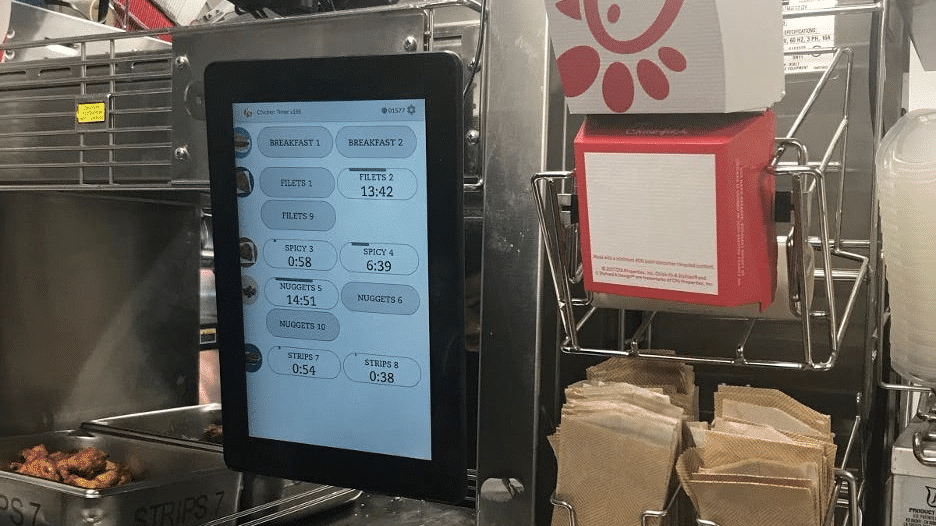
Orders flow directly from the POS to digital kitchen screens. This reduces paper tickets, improves kitchen communication, and ensures order accuracy at scale.
For businesses operating multiple service channels, a POS must connect front-of-house and back-of-house seamlessly. Many small operators benefit from a small business POS system that includes built-in kitchen and inventory coordination.
Key Feature #4: Multi-Location Data Control
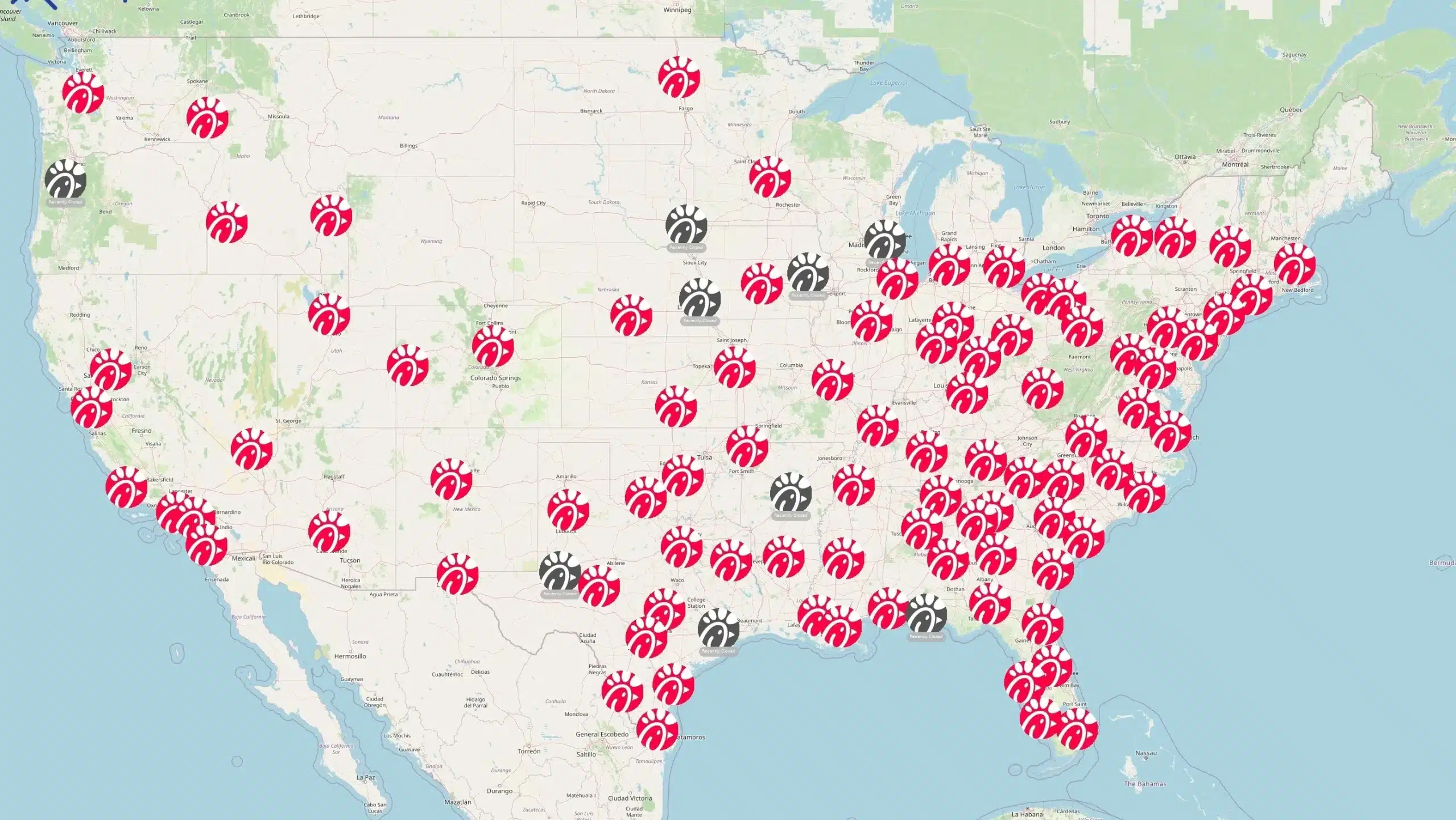
Chick-fil-A corporate maintains centralized visibility across locations, standardizing reporting, pricing controls, and menu updates. This allows tight operational consistency across franchises.
Independent operators with multiple stores require similar visibility through a robust multi-store POS system that centralizes data without restricting operator flexibility.
Key Feature #5: Inventory & Forecasting Support
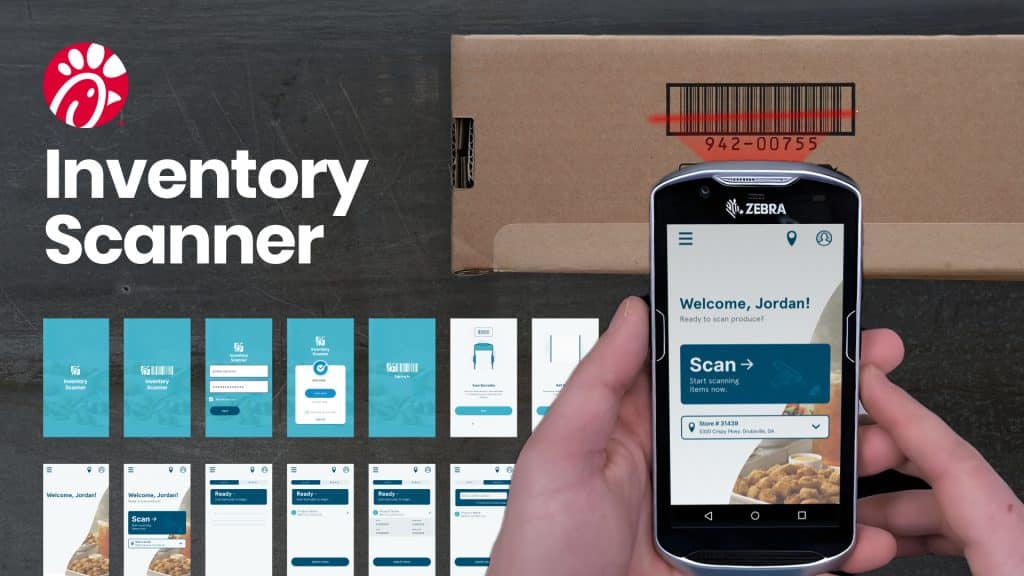
Though primarily restaurant-focused, Chick-fil-A’s POS integrates inventory tracking and demand forecasting tools. Data from transactions informs purchasing and labor planning.
Retailers and hybrid QSR concepts benefit from built-in retail inventory management tools that provide deeper stock-level visibility and supplier management.
How Chick-fil-A Uses Its POS System to Improve Operations
Chick-fil-A’s POS runs more like an operational control center than a payment processor. Here’s how:
Faster Drive-Thru Throughput
Mobile order-taking reduces wait times and increases cars served per hour. More throughput directly translates to higher revenue without expanding physical footprint.
Businesses evaluating the best POS system should prioritize systems that actively increase transaction speed.
Improved Order Accuracy
Face-to-face ordering combined with digital kitchen displays reduces mistakes. Fewer errors mean fewer refunds and stronger customer trust.
A system that supports accuracy without locking you into proprietary infrastructure is often a better long-term investment.
Centralized Data & Reporting
Corporate-level reporting enables Chick-fil-A to monitor performance across thousands of stores. Real-time analytics support menu adjustments and labor optimization, similar to the capabilities found in enterprise franchise reporting systems used by large multi-location brands.
If you want similar insights without forced payment processing contracts, consider a POS system without changing credit card processing.
Scalable Franchise Operations
Standardized systems make onboarding and training easier across locations. Consistency reinforces brand identity.
Operators in retail or hybrid environments may require specialized systems such as the best POS system for convenience stores or advanced self-checkout POS systems.
Discover Advanced Analytics and Custom Reports
Speak with a product specialist and learn how KORONA POS can work for your business.
Pros of the Chick-fil-A POS System
Chick-fil-A’s POS system is designed to support the franchise’s multinational opertaions. Some of the primary advantages of the system include:
Highly Optimized for Drive-Thru
The system is engineered for throughput and real-world line management. Few QSR brands execute drive-thru speed as effectively.
Strong Corporate Oversight
Centralized control ensures consistency and brand compliance across franchises.
Seamless App Integration
The loyalty ecosystem integrates smoothly with transactions and rewards.
Cons of the Chick-fil-A POS System
Like any POS system, Chick-fil-A’s has its drawbacks. Those include:
Not Available to Independent Businesses
The system is proprietary and cannot be licensed or purchased by outside operators.
Limited Flexibility
Because it is custom-built for Chick-fil-A’s model, it lacks adaptability for other retail or hybrid concepts. Before choosing a POS, review these things to consider before you buy a POS system.
Unknown Customization & Cost Structure
Internal systems may lack transparent pricing or modular flexibility. Businesses needing adaptable inventory frameworks should compare options like these 10 types of inventory management systems and follow structured guidance on how to choose a POS system.
Inventory management a headache?
KORONA POS makes stock control easy. Automate tasks, generate custom reports, and learn how you can start improving your business.
Best Alternative to Chick-fil-A POS System: KORONA POS
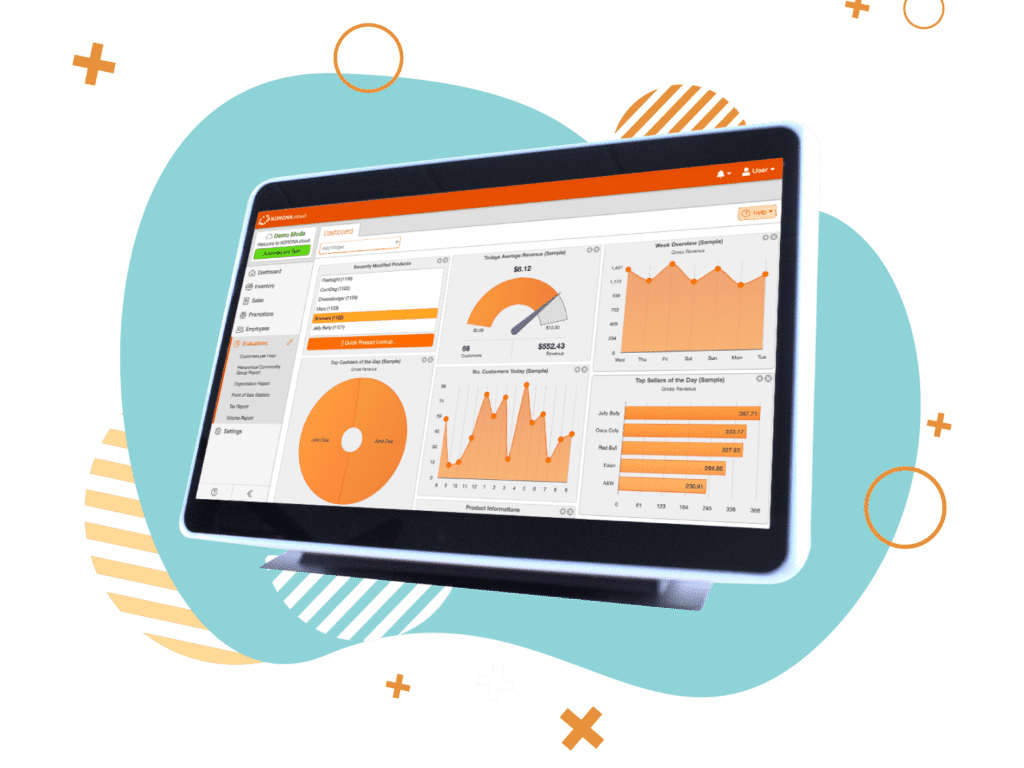
KORONA POS is a scalable, cloud-based POS platform built for restaurants, retail, and multi-location businesses. Unlike proprietary corporate systems, it delivers enterprise-grade tools without locking you into rigid infrastructure.
Key Features
KORONA POS is stacked with features to make running a QSR a breeze. Some of our favorites include:
Stand Out Feature #1: Franchise & Multi-Location Control
KORONA offers centralized management with local flexibility. Corporate users can monitor performance while store managers retain operational control.
Stand Out Feature #2: Advanced Reporting & Analytics
Real-time dashboards provide transaction-level visibility, inventory tracking, and customizable reporting. Insights are accessible from anywhere with cloud connectivity.
Stand Out Feature #3: Hardware & Integration Flexibility
KORONA works with industry-standard hardware and supports barcode scanners, self-checkout, and modular integrations. It avoids mandatory processor lock-in.
Pricing
KORONA POS Pricing
Core
$59/mo
- Unlimited Users and Sales
- Customizable Dashboard
- Core Checkout Functionality
Retail
$79/mo
- All Core Features
- Inventory Counts
- Stock Management
- Barcode Automations
- Customer Management
Additional Modules
From $10 to $50/mo
- KORONA Plus
- KORONA Invoicing
- KORONA Ticketing
- KORONA Integration
Where KORONA POS Shines
- Flexible Processing: Choose your own payment processor.
- Multi-Industry Support: Works for QSR, retail, and hybrid models.
- Data Transparency: Real-time analytics without corporate restrictions.
Where KORONA POS Falls Short
- Not Custom-Built for One Brand: Requires configuration for specific workflows.
- Learning Curve: Advanced features may require onboarding time.
Customer Reviews
KORONA POS consistently receives strong ratings on platforms like G2 and Capterra for flexibility and reporting depth. Users frequently highlight its inventory control and responsive support.
KORONA POS is very user-friendly. You can customize the interface to conform to your business needs. Their customer service is in the United States, always accessible, and always awesome. We love that we can use it to help our business scale.
-Darlene P.


Who KORONA POS Is Best For
- Franchise Operators: Central control with location-level autonomy.
- Retail & Hybrid Concepts: Barcode scanning and inventory-heavy operations.
- Growing QSR Brands: Businesses needing scalable, cloud-based tools.
Get started with KORONA POS today!
Explore all the features that KORONA POS has to offer with an unlimited trial. There’s no commitment or credit card required.
Simplify Your Quick-Service Restaurant Management With KORONA’s All-in-One POS System
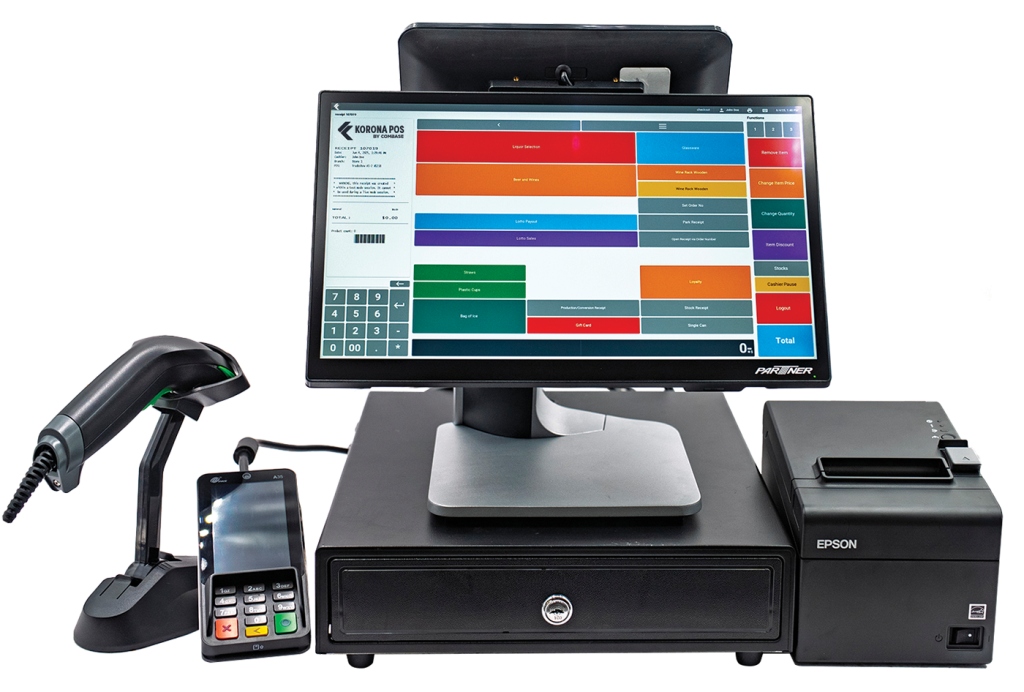
Chick-fil-A’s POS works because it is engineered for its exact business model. Most independent operators need similar speed and reporting power—without proprietary restrictions.
KORONA POS delivers scalable, cloud-based control with flexible hardware and processing. If you want operational efficiency without losing ownership of your system, explore KORONA POS or schedule a demo today.


