


Key Takeaways:
- Ticketing venues manage more integration complexity than standard retail because they sell multiple credential types simultaneously, paper tickets, plastic cards, gift cards, and mobile passes, each with different hardware requirements
- Entry hardware (turnstiles and handheld scanners) must connect directly to your POS, or your entry and sales data will live in two separate systems
- Every integration you add should write back to your POS automatically so that ticket sales, redemptions, and membership activity are visible in one reporting view
Most ticketing venues don’t struggle with selling tickets. They struggle with everything that happens around the sale: whether a membership card works at the gate, whether a season pass shows up correctly in reports, and whether staff can see what’s actually happening across the venue without piecing together data from three different systems.
This post covers the four types of tickets and credentials most venues sell, the tools that support each, how entry hardware connects to your ticketing POS, and what to ask before choosing an integration.
Why Ticketing Venues Are More Complex Than Regular Retail
A typical retail store sells products at a register. Meanwhile, a water park sells paper tickets at the gate, season passes printed with photos, wristbands for re-entry, gift cards at the front desk, and online tickets that guests redeem by showing a QR code on their phone, all on the same day.
When venues bolt together a bunch of separate tools to handle all of that, they usually end up doing a lot of manual work to reconcile the numbers at the end of the day. A well-connected integration stack fixes that, but only when every tool sends its data back to the same place.
The Four Credential Types and the Tools That Support Them
1. Paper Tickets for Busy, Single-Day Entry
Paper tickets make sense for venues running one-day events or selling general admission, where speed at the gate matters most. Scanning a barcode takes less than a second, and there’s no app to open or phone battery to worry about. BOCA Systems is the most common integration partner for paper ticket printing. Their printers are fast, reliable, and produce tickets that are chemical-free and recyclable.
Before setting up a paper ticket integration, make sure:
- Your printer supports the barcode or QR format your gate scanners can read
- The system marks each ticket as used after it’s scanned so no one can use it twice
- The printer is connected to your POS, not running on its own
- You can customize the ticket design for each event
PRO TIP!
Paper tickets are not a good fit for memberships, season passes, or anything guests need to hold onto past a single visit.
2. Personalized Cards for Memberships and Season Passes
If your venue sells memberships that aren’t supposed to be shared, a plain plastic card won’t cut it. A zoo selling family memberships needs to check at the gate that the person presenting the card is actually the person named on it. Zebra card printers handle this. They print full-color plastic cards with the member’s name, photo, and membership type right at the front desk when the membership is sold. The cards are durable enough to last a full year in a wallet or bag.
Two features of this integration that are easy to overlook:
- Staff ID cards: You can print employee cards that also work as POS login credentials, so every action at the register is tied to a specific staff member automatically
- Two-way data sync: When a card is printed, it needs to activate in your POS at that exact moment. And when a member uses the card at the gate or redeems a benefit, that activity needs to update their record in your POS too. If those two systems aren’t talking to each other, your membership data will get messy fast.
A quick example:
Diane runs memberships at an aquarium in St. Louis. A family comes in to sign up, she prints four personalized cards at the front desk, and each one is active in the system the moment it prints. When the family comes back the following weekend, the gate scanner logs their entry in KORONA Studio under their membership record. On Monday morning, Diane can see exactly how many members visited, what they redeemed, and which membership tiers they held.
Pre-Printed Gift and Loyalty Cards
If your gift and loyalty cards don’t need to be tied to a specific person, you don’t need to print them on-site. You can design them, order a batch from a card printing service, and activate them in your POS as you sell them. It’s cheaper and simpler than buying and maintaining your own card printer.
Plastic Printers is the vendor KORONA POS works with for this. They offer a range of materials and finishes, including clear, metallic, and foil stamp options, as well as custom shapes and key tag formats.
PRO TIP!
Gift card balances and loyalty points need to live inside your POS, not in a separate card management system. When a guest uses a gift card at your gift shop or food stand, the transaction should automatically update the balance and appear in the same daily report as your ticket sales.
4. Mobile and QR Tickets
Mobile ticketing lets guests buy a ticket on their phone and show a QR code at the gate instead of a paper ticket or plastic card. Twickly is the mobile ticketing partner connected to KORONA POS, and it syncs mobile purchases and redemptions directly into your sales records.
Mobile works best as an extra channel, not a replacement for physical tickets. Plenty of guests, especially families with young kids, older visitors, and walk-ups, won’t use or expect a mobile option. Also make sure your gate scanners can read QR codes from phone screens in bright sunlight before you make mobile your main entry method.
Entry Hardware: What Happens When Guests Actually Show Up
Two types of hardware handle entry at most venues:
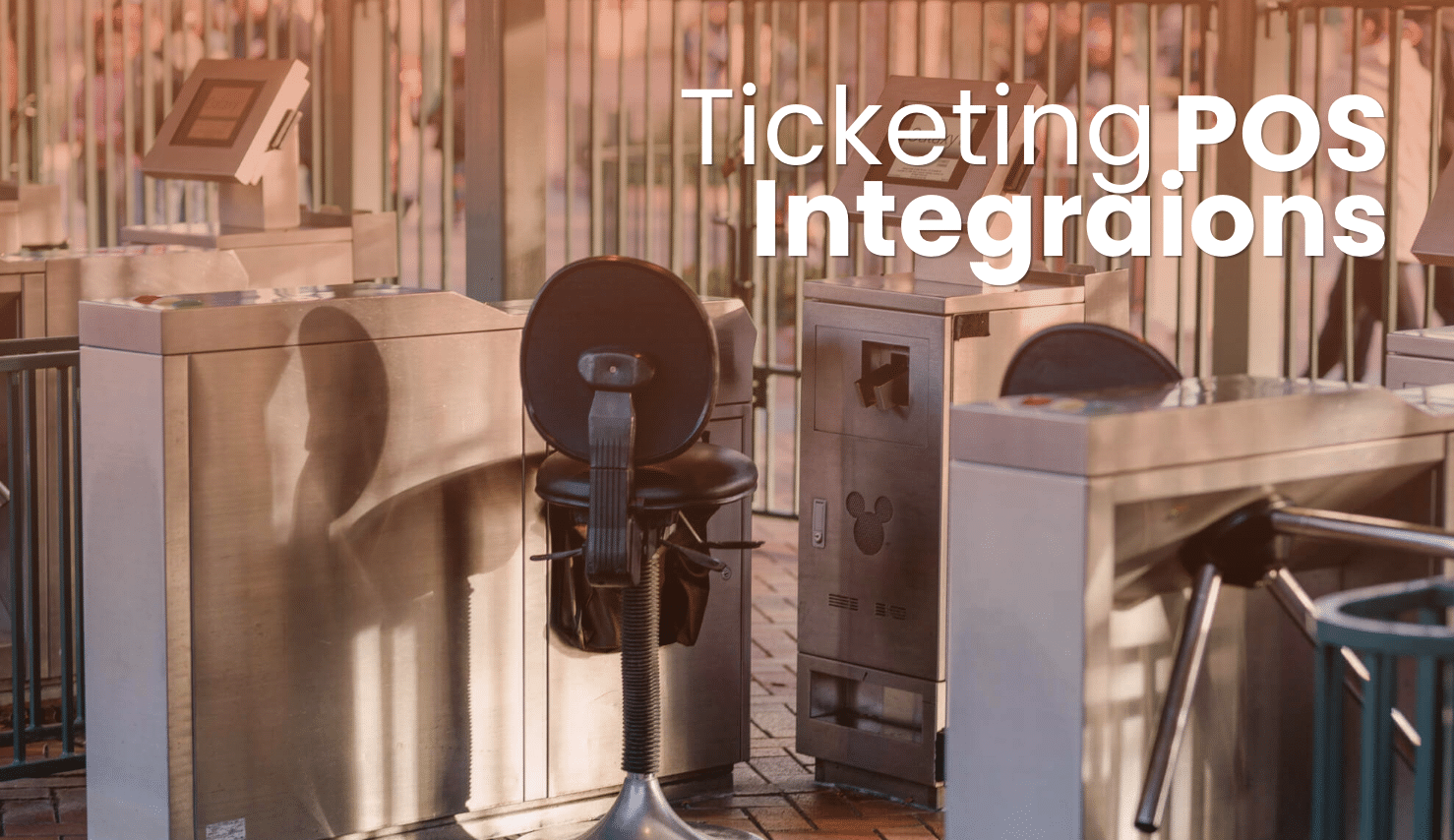
- Turnstiles connected to your POS: Good for high-traffic, unattended entry points. The turnstile reads the ticket, checks it against your system, and lets the guest through automatically. No staff member needed at every lane.
- Handheld scanners: Good when you want staff at the gate or when your entry points change from day to day. Handhelds are flexible and let your team move between gates as needed.
KORONA POS works with both. The important thing is that whatever hardware you use connects to your POS directly. If your scanner or turnstile runs through a separate app, your entry counts and your ticket sales will live in different places, and reconciling them at the end of the day will fall on you.
Five Questions to Ask Before Choosing Any Ticketing POS Integration
Before committing to any new tool, get clear answers to these:
- Does it send redemption data back to your POS automatically? A lot of systems handle selling a ticket just fine but treat the moment a guest uses that ticket as a separate, disconnected event.
- Does it work when the internet goes down? This matters a lot for outdoor venues, rural attractions, and busy events where networks get overloaded. Ask specifically about offline mode and what gets saved versus lost.
- Can you see everything in one report? If your admission sales and your gift shop sales live in different systems, your daily numbers will always require manual work to pull together.
- What happens at membership renewal? Renewal is where a lot of membership integrations fall apart. The member’s history, benefits, and payment record should carry over automatically, not start fresh every year.
- Is it processor-agnostic? Some ticketing hardware locks you into a specific payment processor. Make sure your POS works with any processor so you keep control over your payment rates.
The Right Setup Starts With What You Actually Sell
A seasonal fair probably needs paper ticket printing and a turnstile connection, nothing more. A museum with a membership program needs personalized card printing, gift cards, and maybe a mobile ticketing channel. A water park likely needs all four credential types plus wristbands and timed-entry controls.
Start with your credential mix, not your hardware budget or which vendor has the nicest interface. Once you know what types of tickets and passes your guests actually need, the integration requirements get specific quickly. And the thing that ties it all together is making sure every tool you add sends its data back to one place, so you’re running your venue off a single set of numbers instead of several.
Ticketing POS Integrations: FAQs
Can a ticketing POS integration work if the venue loses internet access?
Many cloud-based POS systems can run in offline mode. What varies by system is how long that offline window lasts, what gets saved versus skipped, and how the system handles any conflicts when it reconnects. If your venue has unreliable connectivity, test offline mode specifically during your demo or trial.
What is the difference between a ticketing POS integration and a ticketing platform?
A ticketing platform like Eventbrite or Twickly is built to sell tickets: it handles pricing, availability, online checkout, and confirmation emails. A ticketing POS integration is what connects that platform to the physical operation at your venue, meaning your register, your printer, your scanner, and your entry hardware. The integration is what makes them work together, so that online sales and walk-up sales appear in the same report.
How do personalized membership card integrations handle annual renewals?
In a well-connected system, a renewal updates the member’s record in your POS, extends the expiration date, and queues a new card to print if needed. The member’s visit history, redeemed benefits, and payment record all stay on the same profile without anyone having to re-enter anything.


