


Shopify POS pricing can seem complex due to its multiple layers, subscription fees, hardware costs, and payment processing charges. Understanding these elements is crucial for determining whether Shopify POS fits your business needs.
This blog breaks down Shopify POS pricing plans, associated hardware costs, and transaction fees to provide a clear picture of what you’ll pay. Additionally, we’ll explore some Shopify POS alternatives to help you make an informed decision for your business.
Shopify POS Cost Estimator
Payment processors
giving you trouble?
We won’t. KORONA POS is not a payment processor. That means we’ll always find the best payment provider for your business’s needs.
Shopify POS Pricing Plans: At a Glance
Shopify offers tiered pricing plans tailored to businesses of all sizes. This section will break down each plan’s costs, features, and transaction fees to help you find the best fit for your business.
You can also check our Lightspeed POS pricing and Square POS pricing guides for some comparison to other popular POS solutions. Learn more about KORONA POS pricing as well.
Note: Shopify displays yearly billing as the default on its pricing page. The monthly prices shown below reflect month-to-month billing. Paying annually saves 25% on the Basic, Grow, and Advanced plans. Yearly prices are included for reference.
| Plan | Subscription | Transaction Fees | Key Features |
|---|---|---|---|
| StarterSocial and link-based sellers | $5/mo | 5% + $0.30 online5% in person5% 3rd-party providers |
|
| BasicSolo entrepreneurs | $39/mo$29/mo billed yearly | 2.9% + $0.30 online2.6% + $0.10 in person2% 3rd-party providers |
|
| RetailBrick-and-mortar stores | $89/mo | 2.6% + $0.10 in person2.9% + $0.30 online2% 3rd-party providers |
|
| GrowSmall teams scaling up | $105/mo$79/mo billed yearly | 2.7% + $0.30 online2.5% + $0.10 in person1% 3rd-party providers |
|
| AdvancedHigh-volume global sellers | $399/mo$299/mo billed yearly | 2.5% + $0.30 online2.4% + $0.10 in person0.6% 3rd-party providers |
|
| PlusEnterprise and complex operations | $2,300/moBilled yearly on a 3-year term | Custom rates negotiated for high volume |
|
Shopify Hardware Pricing
Shopify POS offers merchants a range of hardware options, from card readers to full countertop kits. Here, we detail the costs and features of Shopify’s hardware options.
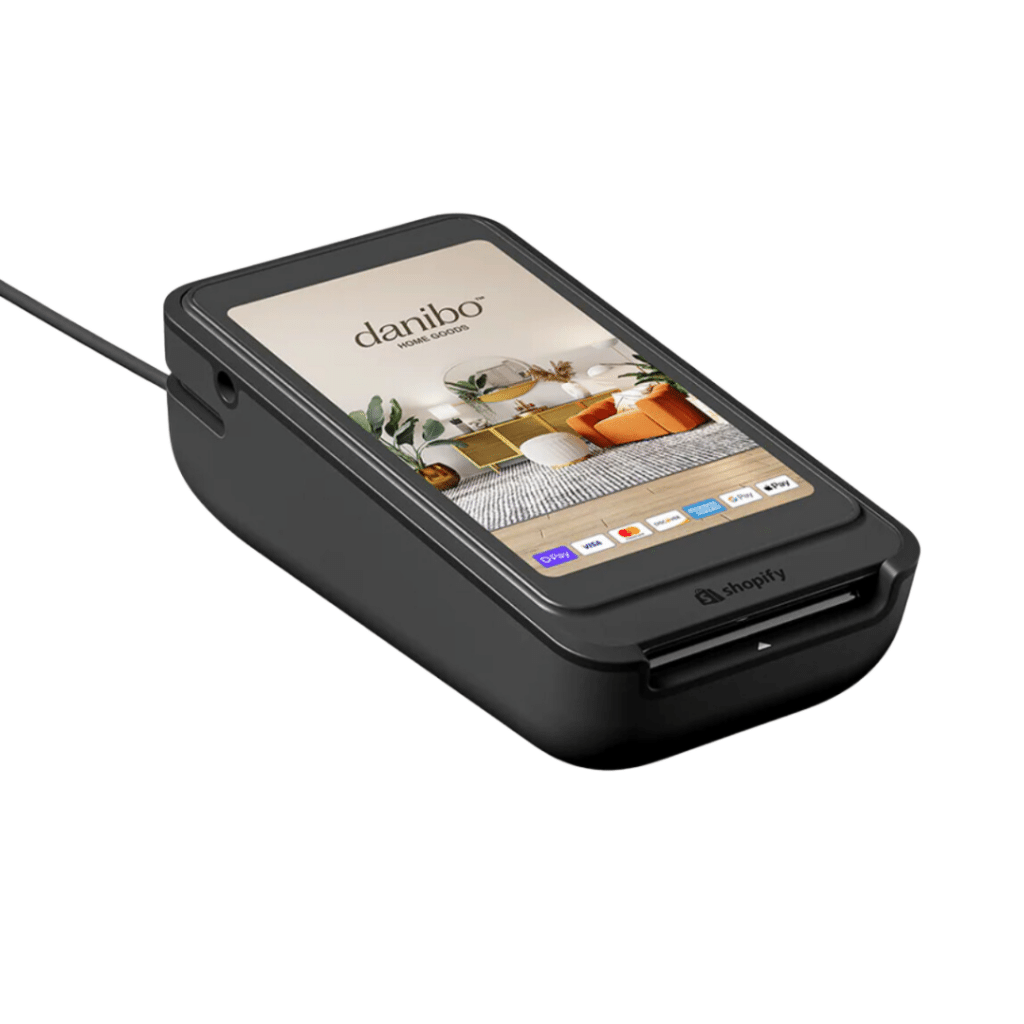
Shopify POS Terminal (Wi-Fi)
$349 · Up to $389 with EthernetA countertop payment device with a customer-facing touchscreen display. Supports tap, chip, and swipe payments over Wi-Fi or Ethernet. Pair it with the POS Terminal Dock ($99) for wired connectivity and a charging base.
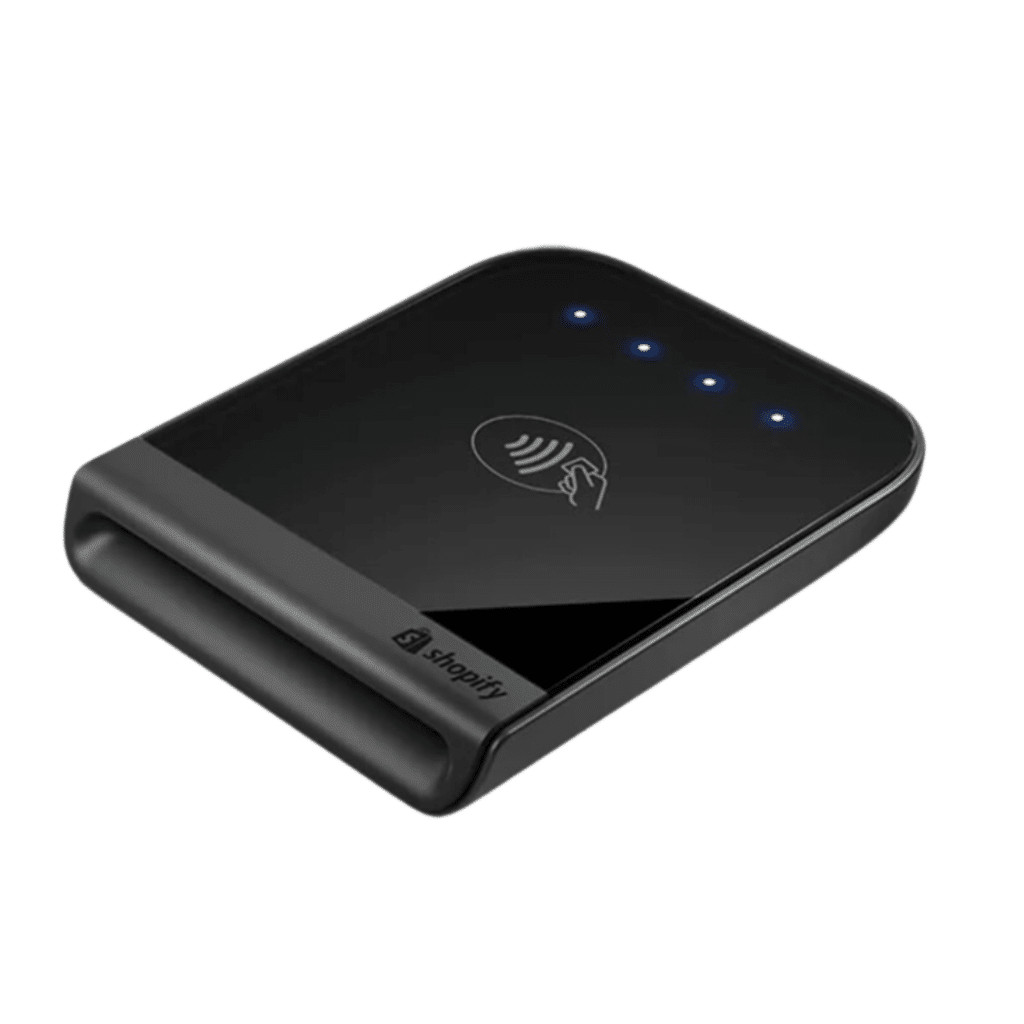
Shopify Tap & Chip Card Reader
$49A lightweight, portable card reader for contactless and chip payments. Connects wirelessly to tablets or smartphones running the Shopify POS app. Supports Visa, Mastercard, American Express, Apple Pay, and Google Pay.
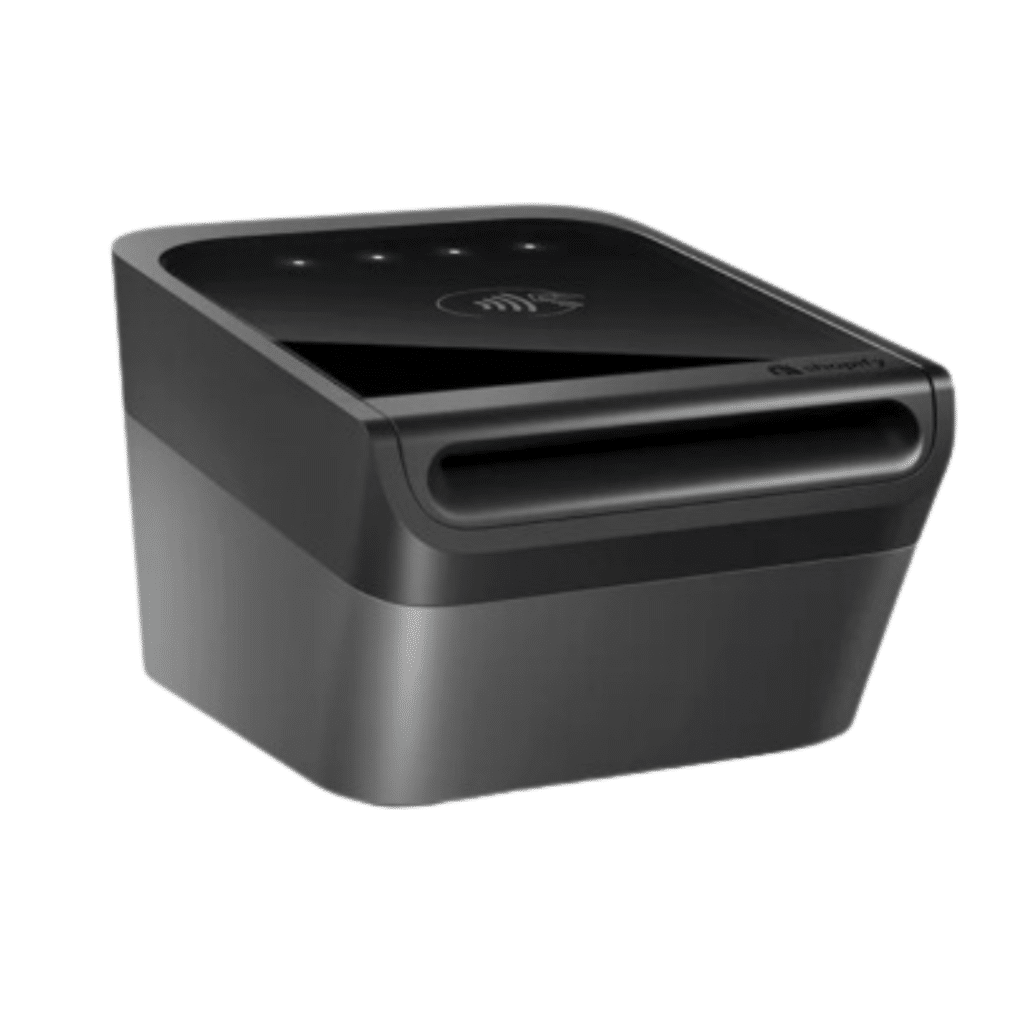
Shopify Tap & Chip Card Reader with Dock
$89Includes the Tap & Chip Card Reader and a countertop dock that keeps the reader charged throughout the day. The dock is also available separately for $40 if you already own the reader.
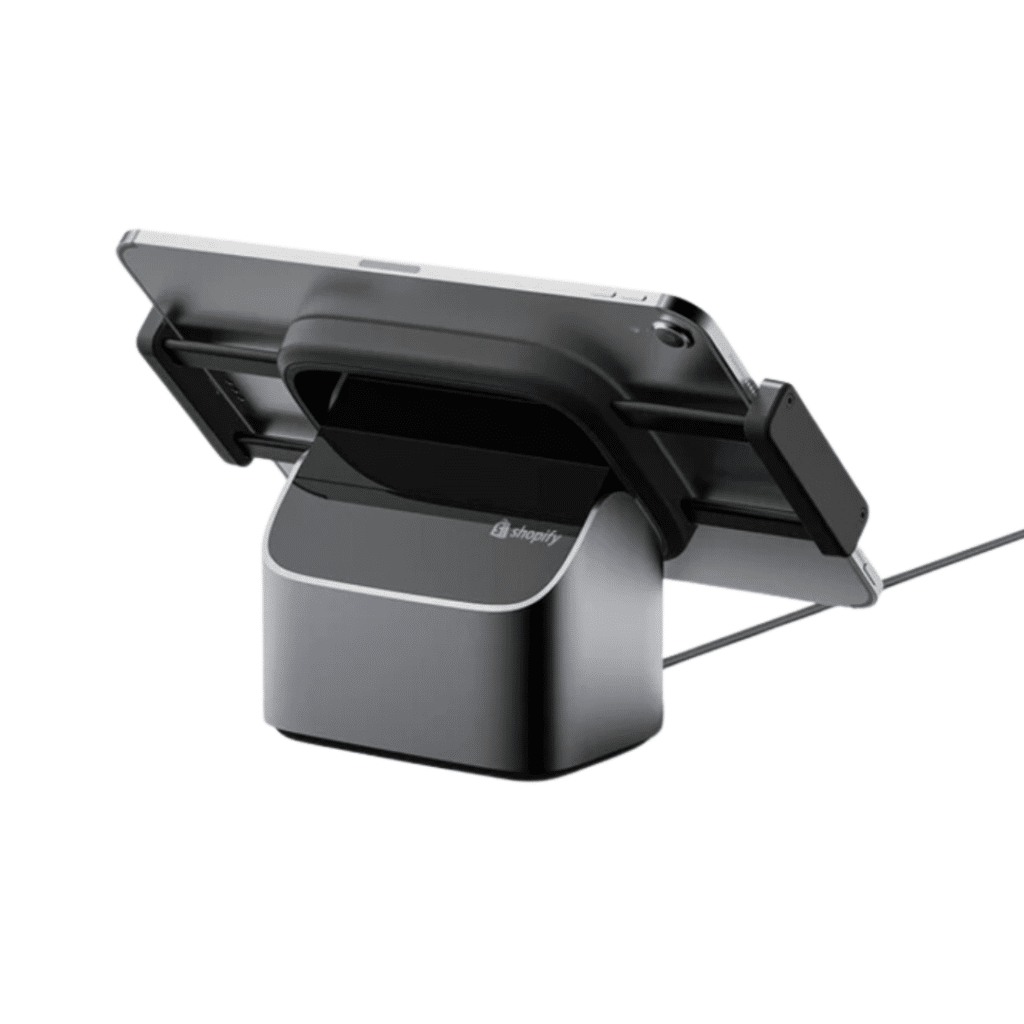
Bouncepad Eddy Tablet Stand
$149An adjustable tablet stand with 350° rotation, tilt, and secure mounting for 7″–13″ iPad and Android tablets. Ideal for countertop setups where the screen needs to face both staff and customers.

HP Engage 2D G2 Barcode Scanner
$209A lightweight handheld 2D scanner with hands-free stand included. Captures 1D and 2D barcodes at 60 fps. IP42-rated for dust and splash resistance. USB plug-and-play connectivity.

Zebra DS2208 Barcode Scanner
$199A wired 2D USB barcode scanner with hands-free stand. Reads 1D and 2D barcodes on screens or paper. Ergonomic, plug-and-play design compatible with Shopify POS on Android and iOS (via POS Hub).

Socket Mobile S720 Bluetooth Barcode Scanner
$289A Bluetooth 2D barcode scanner with charging dock. Wireless connectivity for mobile selling. Reads 1D and 2D barcodes. Ideal for floor staff and pop-up setups.

Shopify POS Hub
$49Connects scanners, printers, and other USB accessories to iPad and Android tablets via wired USB-C cable. Includes 1 USB-C port, 3 USB-A ports, and Ethernet. Apple MFi-certified with built-in monitoring.
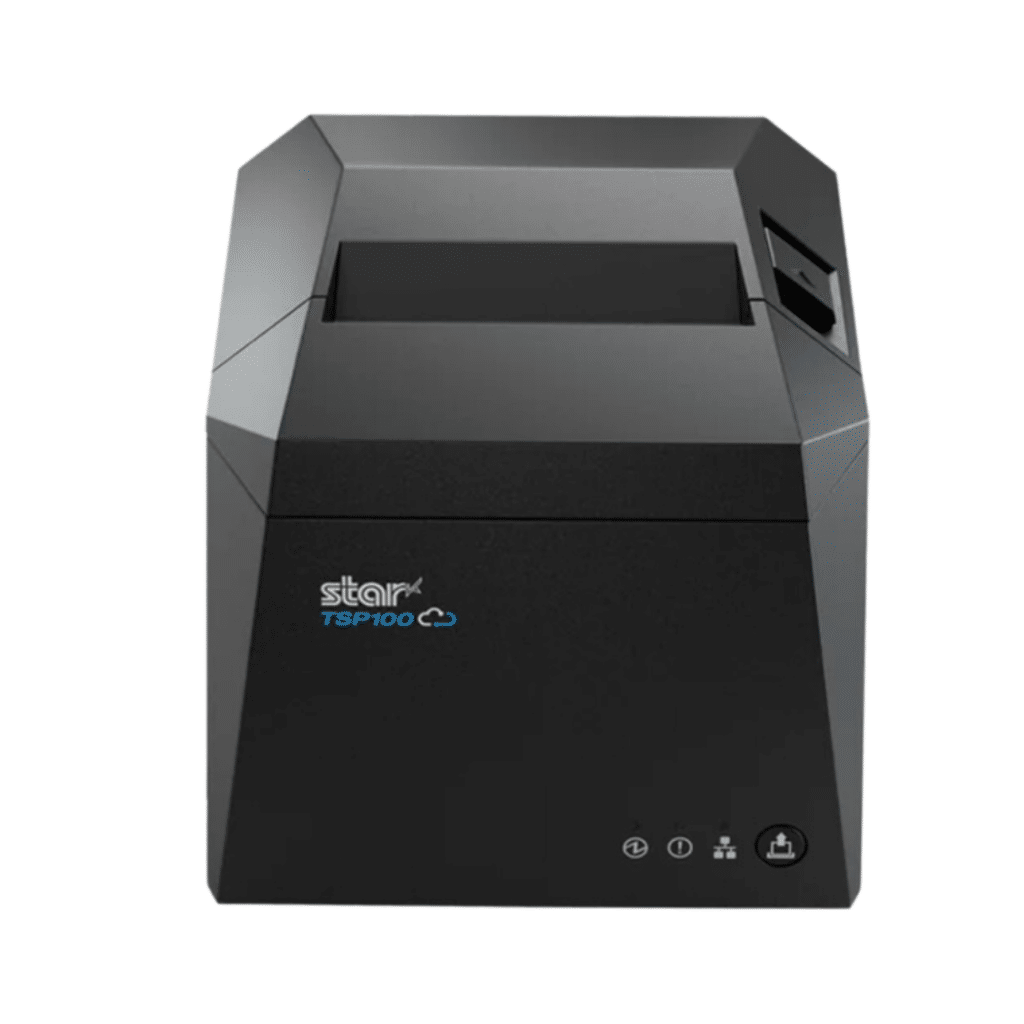
Epson TM-m30III Receipt Printer
$289A compact thermal receipt printer with USB, Ethernet, Bluetooth, and Wi-Fi connectivity. Prints 3″ receipts at up to 300 mm/sec. Integrates with Shopify POS for real-time sync.

Star Micronics TSP143IV-UEWB Receipt Printer
$289A thermal receipt printer with USB-C, Ethernet, Wi-Fi, and Bluetooth connectivity. 20% smaller footprint than previous models. High-speed thermal printing for fast checkout.
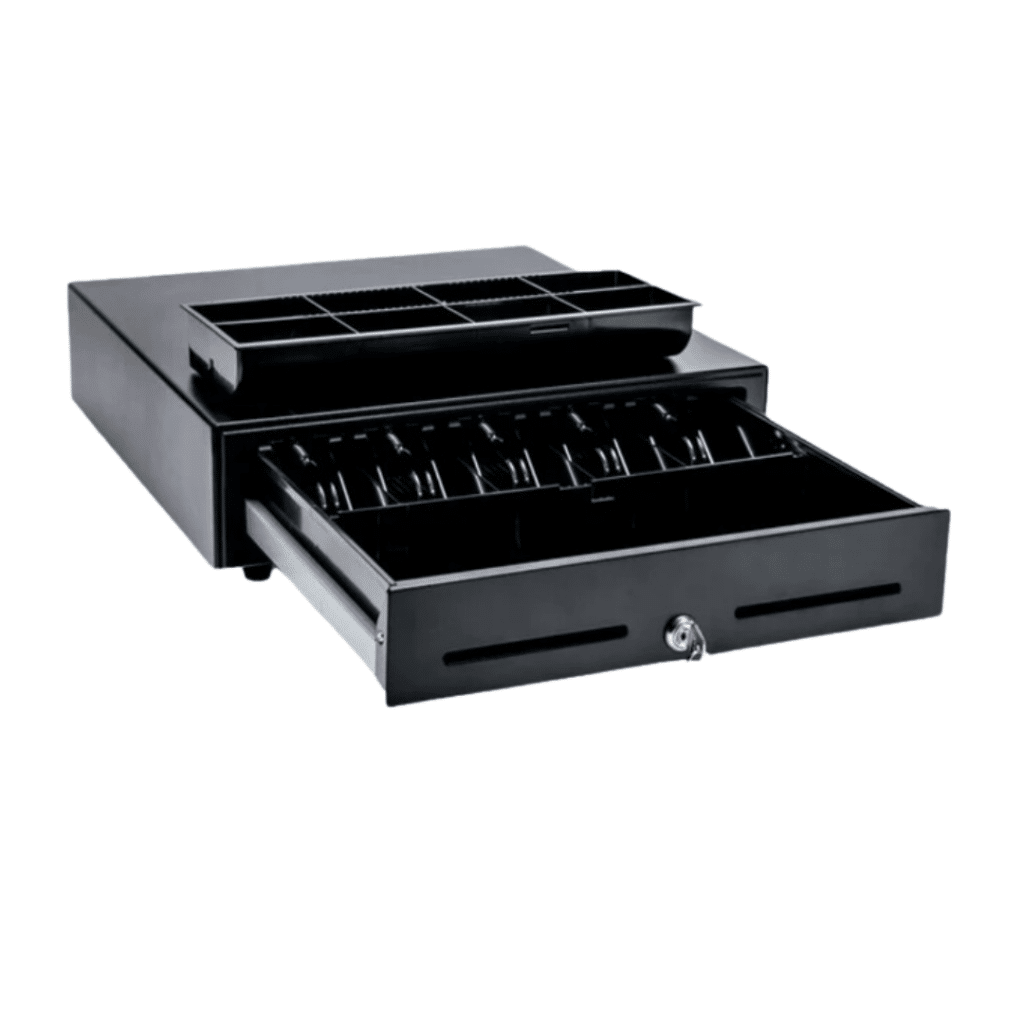
Star Micronics CD4 Cash Drawers
$139 eachAvailable in 14-inch and 16-inch sizes, both in black and white. Opens automatically at checkout when connected to a receipt printer. Heavy-duty steel construction with key lock security.

Shopify POS Terminal Dock
$99A charging dock for the POS Terminal that adds wired Ethernet connectivity for reliable, always-on payment processing. Keeps your terminal powered and securely positioned on the counter.
Essential & Complete Counter Bundles
Custom pricing — varies by selected accessoriesShopify sells countertop setups through two configurable bundles. The Essential Counter includes the basics to start selling. The Complete Counter is a full store setup with additional accessories. Both let you pair a card reader with stands, scanners, printers, and cash drawers at a bundled discount.
Source: Shopify Hardware Store · Prices in USD · Updated 2026
Shopify POS’s Transaction Fees
Shopify POS transaction fees vary depending on the plan you choose and whether you use Shopify Payments, the platform’s integrated payment processor, or a third-party gateway.
If you’re interested in how other software compares to Shopify, you can read about how Shopify’s fees compare to Clover’s.
Below is a detailed breakdown of transaction fees across Shopify plans:
Using Shopify Payments
Find below the credit card processing fees for Shopify payments:
- Starter: 5% + $0.30 per in-person transactions and 5% +$0.30 per transaction for online
- Retail: 2.9% + $0.10 per in-person transaction and 2.6% + $0.30 per online transaction
- Basic: 2.6% + $0.10 per in-person transaction and 2.9% + $0.30 per online transaction
- Shopify: 2.15% + $0.30 per in-person transaction and 2.7% + $0.30 per online transaction
- Advanced: 2.5% + $0.10 per in-person transaction and 2.4% + $0.30 per online transaction
Using Third-Party Gateways
If you opt for a third-party payment gateway instead of Shopify Payments, additional transaction fees apply:
- Starter: 5% per transaction
- Retail: 2% per transaction
- Basic: 2% per transaction
- Shopify: 1% per transaction
- Advanced: 0.6% per transaction

Learn more about how credit card processing works and save your business money in this free eGuide.
Shopify POS Customer Reviews
What do real users think of Shopify POS? This section highlights customer feedback, including both the positives and the common complaints, to give you a balanced perspective.
Positive
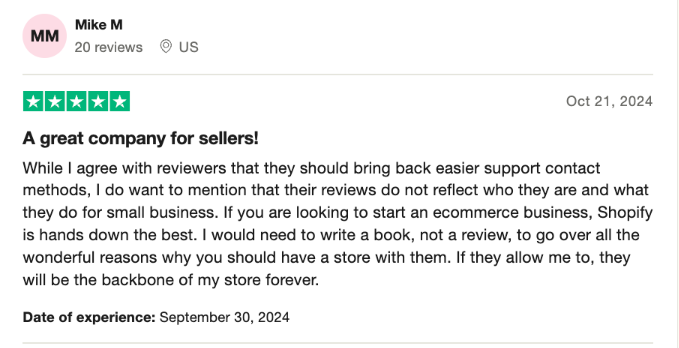
Source: Trustpilot
- Easy to use: Shopify POS is simple to set up and navigate, even for people with little experience with eCommerce.
- Great integration: It connects smoothly with Shopify’s online store, so you can manage inventory, sales, and customer data from one place.
- Payment flexibility: The system accepts various payment methods, which is a big plus for businesses and their customers.
- Customizable features: Shopify POS allows you to adjust features to fit your specific needs, making it versatile.
- Lots of apps: Shopify has a huge app marketplace, which gives you access to tools that help you grow your store and improve its functionality.
Complaints
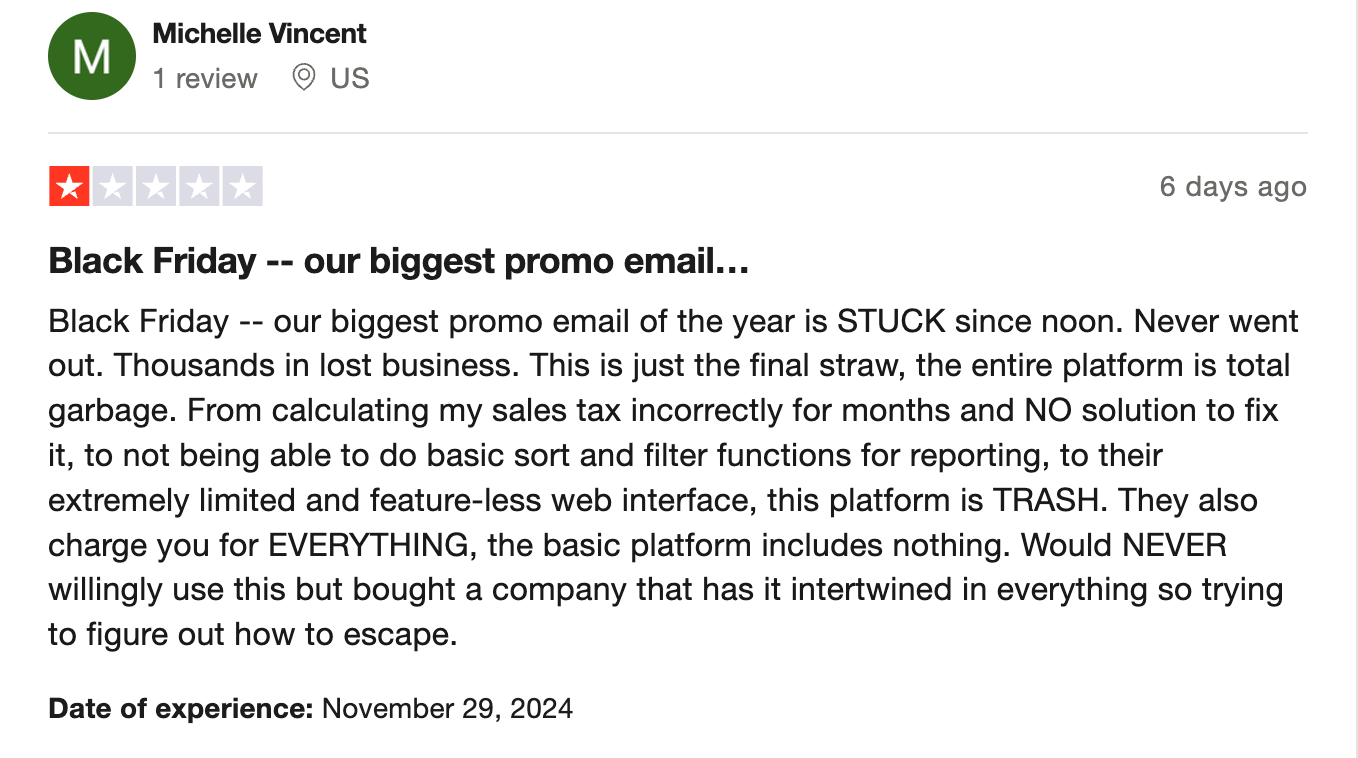
Source: Trustpilot
- System problems: Some users have reported Shopify outages that can disrupt operations.
- Slow customer support: Many reviews mention delays in getting help, especially during critical times like Black Friday.
- Expensive: Shopify’s costs add up quickly, especially if you need extra apps and features to run your store effectively.
- Domain issues: Transferring domains or canceling accounts can be difficult, leaving some users frustrated.
- Restrictions on products: Shopify has rules about what you can sell, which can be problematic for niche businesses.
- Missed sales opportunities: Users have lost revenue due to delayed responses or unresolved technical problems.
Shopify POS Alternatives and Competitors
Shopify POS isn’t the only option available. There are alternatives that might better align with your business needs, offering different pricing, features, and flexibility. Some of the most popular options are summarized in the table below:
| Product | Best For | Price | Processing Fees | Key Features |
|---|---|---|---|---|
 |
High-volume and scaling eCommerce brands | Standard: $39/moPlus: $105/moPro: $399/moEnterprise: Custom | 0% added transaction fees on all plans. Standard payment gateway processing fees apply through supported providers. |
|
 |
Retail businesses and quick-service restaurants | Core: $59/moRetail: $79/moAdd-ons: $10–$50/mo | Processing-agnostic; no additional processing fees. Integrates with any processor of your choice. |
|
 |
Customizable and enterprise-level businesses | Custom pricing based on annual revenue and average transaction value | Integrates with gateways like PayPal and Braintree, subject to their standard fees. |
|
 |
Small businesses adding eCommerce to an existing website | Starter: $5/moVenture: $35/moBusiness: $65/moUnlimited: $149/mo | Ecwid does not charge transaction fees. Payment providers like PayPal or Stripe apply their own standard processing fees. |
|
 |
Solopreneurs and small-scale stores | Basic: $9.99/moPremium: $14.99/moCommerce: $20.99/moPrices shown for the first 1-year term | Commerce plan: 2.7% + $0.30 per online card transaction. In-person rates vary by POS device. |
|
 |
Small to mid-sized eCommerce businesses | Personal: $35/moProfessional: $79/moBusiness: $299/moPrime: Custom | Offers Volusion Payments powered by Stripe and PayPal integration. Also supports third-party gateways.Additional fees may apply if you are not on a preferred payment gateway or use additional services. |
|
Best Shopify POS Alternative For Retailers : KORONA POS
Shopify POS works well for eCommerce-focused sellers, but brick-and-mortar retailers often need more from a point of sale system. KORONA POS fills those gaps with features built specifically for in-store retail, from payment flexibility to advanced inventory tools. Here is a closer look at how KORONA POS stacks up against Shopify and why it stands out for certain types of businesses.
Payment Processing Freedom
Shopify locks merchants into Shopify Payments or charges extra fees for using a third-party processor. KORONA POS takes the opposite approach. The software is fully payment processing agnostic, so retailers can choose any merchant services provider they want. For retailers looking for the POS system with the lowest fees, that kind of freedom leads to real savings over time.
Dual Pricing to Offset Card Fees
KORONA POS has a built-in dual pricing feature that lets retailers display two prices for every product: one for cash and one for card payments. The system automatically applies the correct price at checkout based on the payment method. Shopify does not offer a native dual pricing option.
Purpose-Built for High-Risk Retail Verticals
Shopify has strict product restrictions and has been known to shut down stores that sell age-restricted or high-risk products. KORONA POS was designed with these industries in mind. Liquor stores, smoke shops, vape retailers, CBD stores, cannabis dispensaries, and convenience stores all benefit from features like automated age verification prompts, compliance tracking, and loss prevention tools.
Multi-Store and Franchise Management
Retailers with 20, 30, or even 40+ locations need a system that can handle complex, multi-store operations. KORONA POS centralizes inventory, reporting, and pricing across every location under one cloud-based POS platform. Franchise owners can set up automatic royalty calculations and use an internal ordering portal. Shopify’s multi-location tools exist, but they were designed around eCommerce first and lack the depth that physical multi-store retail management software requires at scale.
Advanced Inventory Management
KORONA POS offers inventory features that go well beyond what Shopify provides for in-store retailers. The system includes automated reordering, ABC inventory analysis, stock transfer between locations, vendor management, and order-level optimization. Retailers with thousands of SKUs can track performance by individual store or across the entire operation. For a vape shop carrying hundreds of e-liquid flavors or a liquor store with a rotating wine selection, that level of control is essential.
Inventory management a headache?
KORONA POS makes stock control easy. Automate tasks, generate custom reports, and learn how you can start improving your business.
No Contracts, No Hidden Fees
Shopify’s pricing adds up when you factor in monthly subscriptions, third-party processing surcharges, and app marketplace costs. KORONA POS operates on a simple month-to-month subscription with no long-term contracts, no cancellation fees, and no signup charges. Retailers know exactly what they are paying from the start. The white label POS option also makes KORONA a strong fit for resellers and ISOs who want to offer branded solutions to their own merchant clients.
24/7 In-House Customer Support
Many Shopify POS users have reported slow response times, especially during peak sales periods. KORONA POS provides 24/7 customer support through an in-house, US-based team available by phone, chat, and email. Every subscription plan includes unlimited support at no additional cost. For retailers who cannot afford downtime during busy hours, having a dedicated team ready to help at any time of day is a major advantage.
Have trouble getting your POS customer service on the phone?
KORONA POS offers 24/7 phone, chat, and email support. Call us at 833.200.0213 to see how reliable we are.
Make the Switch to KORONA POS for Flexible Pricing & Powerful Tools
Shopify POS offers a robust system for businesses looking to integrate their online and physical stores. However, depending on your plan, hardware needs, and processing fees, its pricing can add up quickly. Evaluating its cost against its features is essential to determining its value for your business.
If Shopify POS doesn’t fit your needs, there are plenty of alternatives, each catering to different types of businesses. Whether you prioritize affordability, customization, or specific features, options like BigCommerce, KORONA POS, and Ecwid can meet your requirements.
Are you looking for a POS system that helps you seamlessly sync your website with your physical store? Book a demo with KORONA POS today to see how it can elevate your business operations.
FAQs: Shopify POS
1. Why is Shopify POS so expensive?
Shopify POS can feel expensive because of its integrated ecosystem that seamlessly connects your online and in-person stores. The pricing reflects features like advanced inventory management, multi-location support, analytics, and integration with Shopify’s eCommerce platform. Additionally, Shopify POS requires a subscription to the Shopify plan, with the more robust features only available on higher-tier plans like Shopify POS Pro, which adds an extra monthly fee.
2. Does Shopify POS take a percentage?
Yes, Shopify POS takes a percentage of transactions processed through its payment gateway, Shopify Payments. The rate varies depending on your Shopify plan and can range from 2.4% to 2.9% per transaction, plus a fixed fee (e.g., $0.10-030). If you use a third-party payment processor, Shopify charges an additional transaction fee (0.6% to 5%) depending on your subscription tier.


