


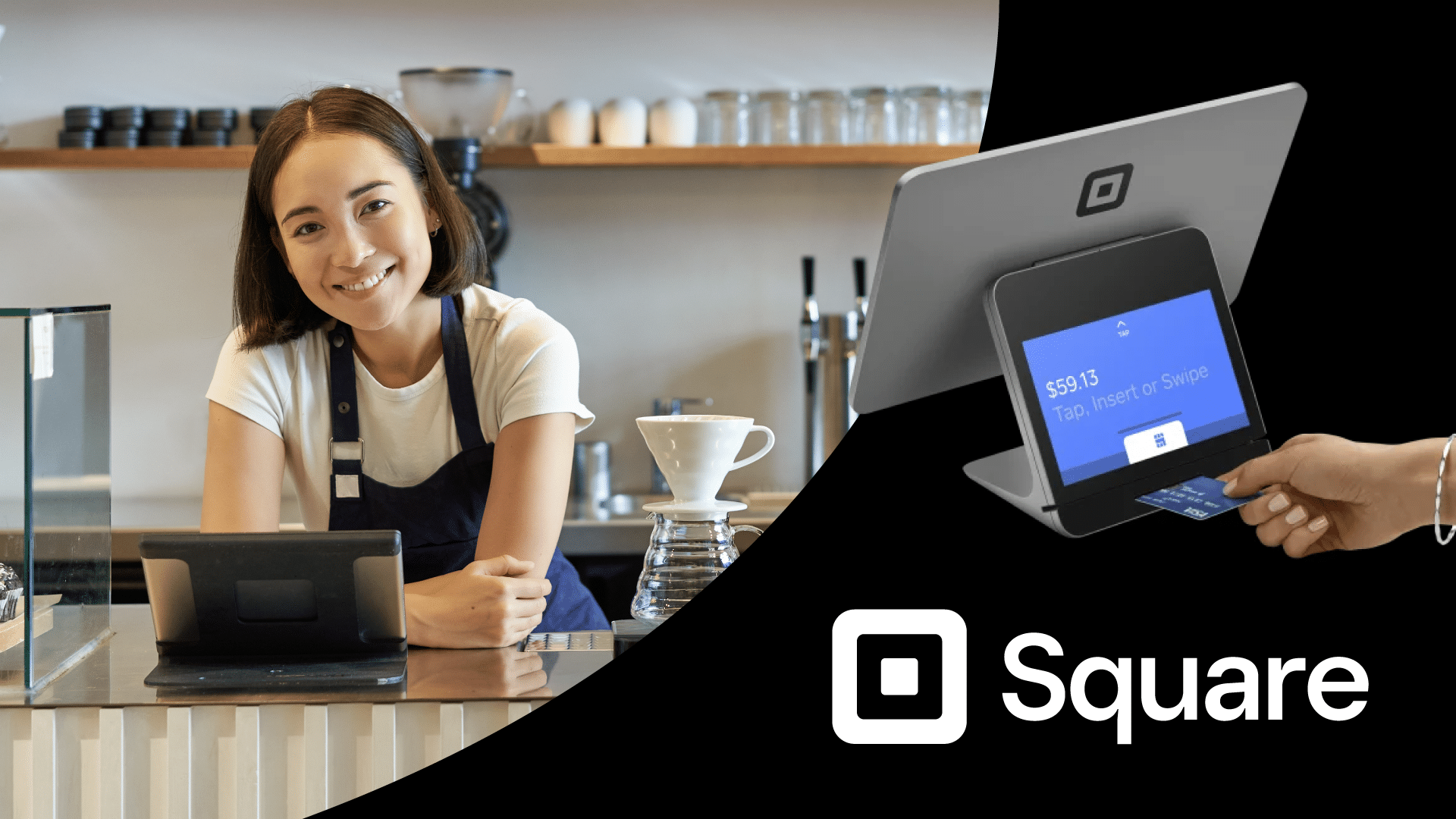
Frustrated trying to understand the real cost of Square POS? Many businesses focus on the free plan but overlook processing fees, hardware costs, and long-term expenses.
This Square POS review breaks down pricing, features, pros and cons, and real ownership costs — so you can decide whether it truly fits your retail operation. Let’s examine the details.
Square POS: An overview
Square POS offers an accessible, budget-friendly option for small-key functionalities like payment processing, inventory tracking, and sales reporting. With its user-friendly interface and simple setup, Square POS caters to businesses of various sizes.

Companies needing more advanced features or extensive assistance might find Square’s customer support and feature set less comprehensive than those of other POS solutions.
Processing: Starting at 2.6% plus $0.10 per transaction
Best For: Start-up Retailers; Small restaurant and appointment businesses
Pros
- Simple, user-friendly interface
- Versatile with mobile hardware
- Streamlined self-service account initiation
Cons
- Lacking payment processing flexibility
- Less in-depth reporting and analytics
Pricing
Square Free
$0/mo
- POS app for any payment
- Online site
- Item library
Square Plus
$49/Custom
- POS features for every industry
- Lower processing fees
- Loyalty rewards program
Square Premium
$149/mo
- 24/7 priority support
- More text message marketing
- No gift card load fees
Full Square POS Review
Square POS is a cloud-based point-of-sale system built for small and mid-sized businesses that want simple setup, integrated payments, and basic retail management tools. It combines checkout, payment processing, inventory tracking, reporting, and customer management into one platform with flat-rate transaction pricing.
Square works well for merchants that prioritize ease of use and fast onboarding, especially in retail, food service, and mobile selling environments. However, businesses should evaluate total costs carefully, including:
- Monthly software fees
- Per-transaction processing fees
- Hardware expenses
Payment processors giving you trouble?
We won’t. KORONA POS is not a payment processor. That means we’ll always find the best payment provider for your business’s needs.
What Business Types Is Square POS For?
Square is a great fit for certain business niches, but not all. In general, it’s best suited for smaller operations that need a simple solution for checking out customers and processing payments.
→ Small Retail Stores
Square’s user-friendly interface and affordable pricing make it an excellent choice for small retail businesses. However, businesses with complex inventory needs may find Square’s inventory management features somewhat lacking.
→ Food & Beverage
Square is popular among cafes, food trucks, and small restaurants due to its seamless integration with kitchen printers and flexible menu customization. This makes it a viable option as a quick-service POS system.
→ Service-Based Businesses
Square is well-suited for service-based businesses such as salons, spas, and consulting firms, offering appointment scheduling and invoicing features that streamline operations and enhance customer experience. Its interface enables businesses to manage appointments, track client preferences, and send automated reminders efficiently.
→ Pop-Up Shops and Events
Square’s mobility and versatility make it ideal for pop-up shops, markets, and events, enabling businesses to accept payments anywhere. However, businesses participating in high-volume events may encounter limitations in processing transactions efficiently due to potential network connectivity issues.
What is Square POS Best For?
- Startup businesses who want simplicity: Square provides an intuitive platform that streamlines payment processing, inventory management, and analytics without the complexity often associated with many other POS systems.
- Flexibility with mobile devices: Small-scale retailers can run Square with mobile devices like smartphones and tablets, making it ideal for on-the-go operations.
- Retailers who want integrated payments: With Square, every aspect of payment processing is built in. While this may streamline checkout processes, it restricts retailers to higher processing fees.
Square POS Pricing Breakdown
Square’s pricing includes three main cost categories: software subscriptions, payment processing fees, and hardware. Understanding how these work together is key to calculating your true total cost of ownership.
Monthly Software Pricing
Square offers tiered software plans based on business type and feature needs. While entry-level plans are free, advanced reporting, staff management, and automation tools require paid upgrades. Subscription pricing is separate from transaction fees and hardware costs.
Free
Best for new or very small businesses with lower sales volumes and basic needs. You pay only transaction fees.
POS app and payments
Website builder with SEO tools
Courses
Item library
Plus ($49/month)
Ideal for growing businesses that need essential tools to manage a team, optimize their website, and want the benefit of a slightly lower in-person transaction rate (2.5%).
Staff management
Expanded site customization
Loyalty rewards program
Premium ($149/month)
The most cost-effective option for high-volume sellers due to the lowest in-person transaction fee (2.4%) and the included features like 24/7 dedicated support and waived gift card load fees, which can add up to significant savings.
Advanced reporting
No gift card load fees
24/7 phone support
KORONA Ticketing
+$50/month per gate
For amusement parks, museums, water parks, and other admission-based businesses
Ticket printing
Entry gates
Ticket definitions
Customer management
Time-tracking
Cash journals
KORONA Event integration for online ticketing
KORONA Franchise
+$30/month per franchise
For franchise businesses to streamline communication and operations between franchisors and franchisees
Franchisor features
Scalability for franchisees
Customizable royalty systems
Product syncing
International options
Custom taxes and currencies
Centralized inventory management
KORONA Integration
+$45/month per token
For businesses that require custom development of niche integrations through the KORONA POS open API
Integration jobs
Integration job-workflows
Integrations services
Integration dashboard
Payment Processing Fees
Square charges transaction fees on every sale. Standard rates are typically:
- 2.6% + $0.10 for in-person payments
- 2.9% + $0.30 for online payments
- 3.5% + $0.15 for manually keyed transactions
These fees are separate from software subscriptions and apply regardless of plan level.
Transaction Type | Standard Rate (US) | Key Information |
In-Person (Tap, Dip, or Swipe) | 2.6% + 10¢ to 15¢ | Applies when the customer's card is physically present and used with a Square Reader, Terminal, or Register. |
Online (eCommerce API, Square Online Store) | 2.9% + $0.30 to 3.3% + 30¢ | A higher rate due to the increased risk associated with card-not-present transactions. |
Manually Keyed-In / Card on File | 3.5% + 15¢ | The highest rate typically applies to payments entered into the Virtual Terminal or saved on file, as they carry the highest fraud risk. |
ACH Bank Transfer (via Invoice) | 1% (Min. $1) | For payments made directly from a customer's bank account. |
Afterpay (Installments) | 6% + $0.30 | Square pays you the full amount upfront, and the customer pays over time. |
Hardware Pricing
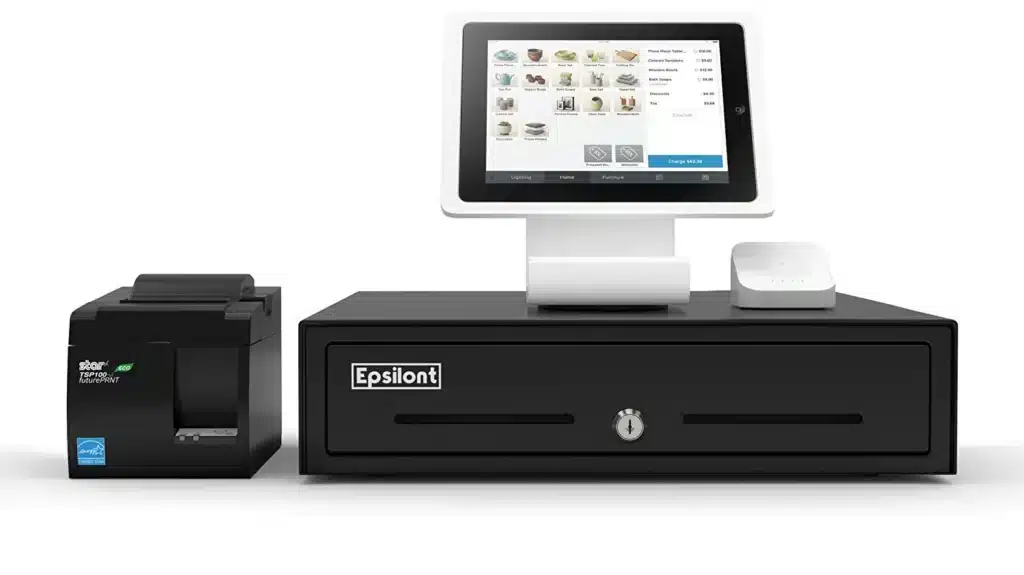
Square hardware is sold separately. Options range from a free magstripe reader (with account signup) to fully integrated terminals and registers costing several hundred dollars:
→ Square Reader for Magstripe
Price: Free
The reader allows you to accept Magstripe card payments using a mobile device. Square offers the first reader for free.
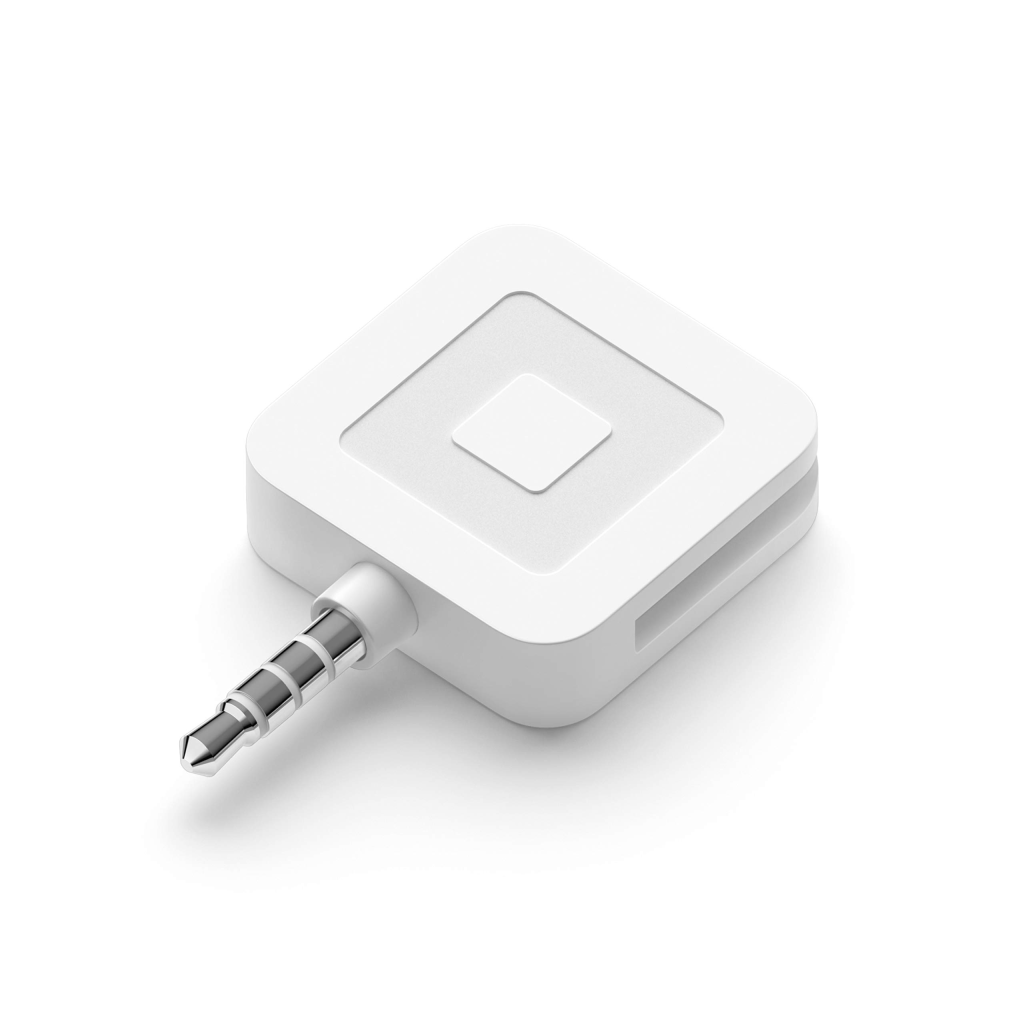
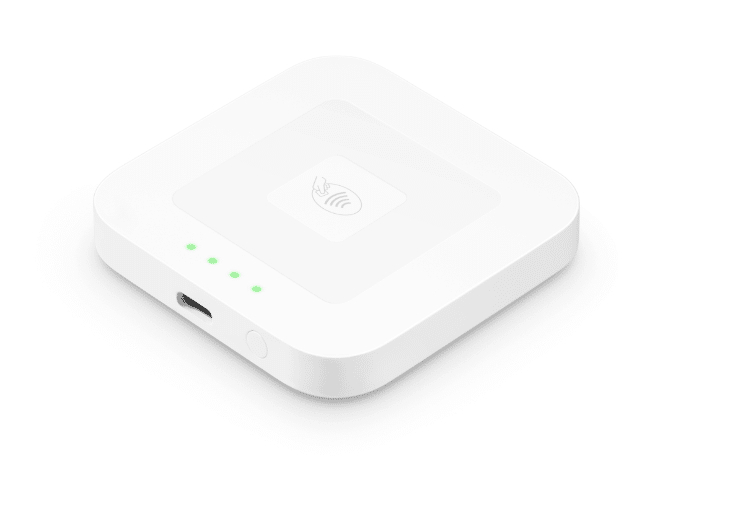
→ Square Reader for Contactless and Chip (2nd Generation)
Price: $59
This reader supports contactless payments and EMV chip cards.
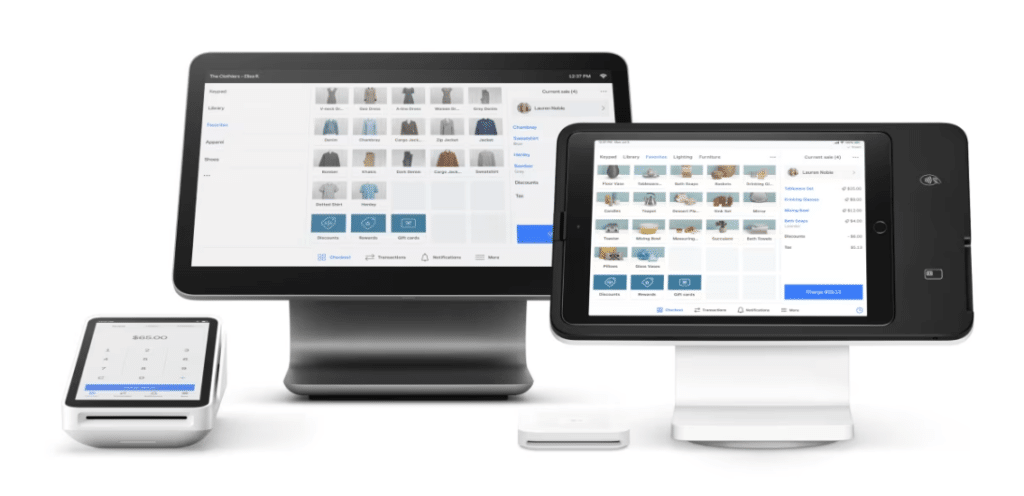
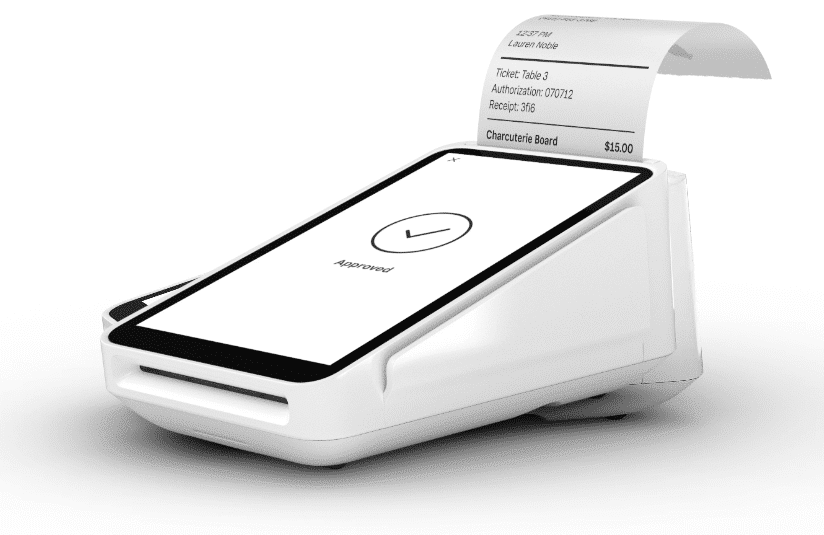
→ Square Terminal
Price: $299 or $27/mo. over 12 months
This all-in-one device enables you to accept payments, print receipts, and manage transactions without additional hardware.
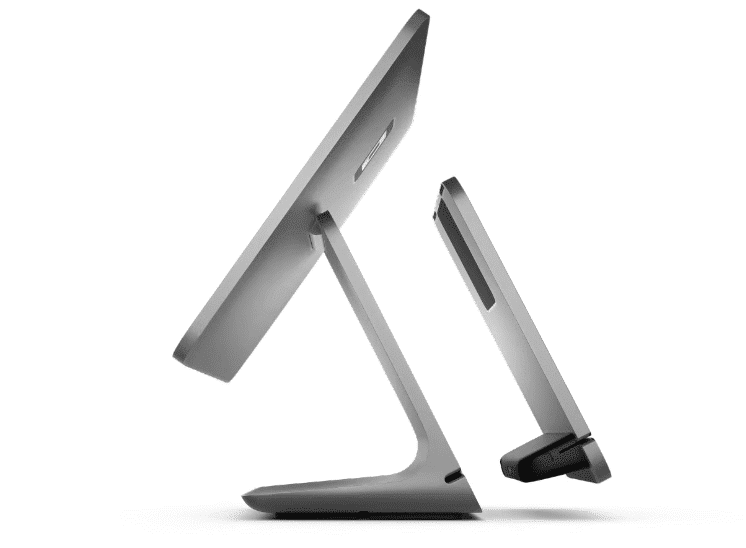
→ Square Register
Price: $799 or $39/mo over 24 months
This fully integrated POS system that features a customer-facing display and is designed for seamless payment processing.
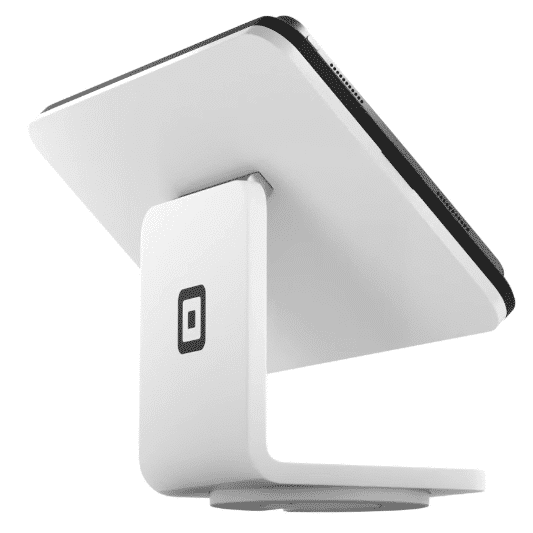
→ Square Stand
Price: $149.00or $14.00/mo with financing
This fully integrated POS system that features a customer-facing display and is designed for seamless payment processing.
Additional Fees and Information
Beyond subscriptions and processing, businesses may incur fees for:
- Payroll
- Marketing tools
- Loyalty programs
- Add-on integrations
- Chargebacks
- Instant deposits
- Custom features
Pro tip!
Think about additional fees early and often. Reviewing all cost layers ensures a realistic understanding of long-term POS expenses.
Square POS Top Features
Feature | Details |
Cloud-Based | Your data is stored offsite, and your updates will be automatic. |
Payment Processing | Square has its own built-in payment processing and accepts various payment methods. |
Inventory Management | Users can track inventory levels, setting up low-stock alerts, and managing item variations within the software. |
Sales Analytics | Square provides insights into sales trends, customer behavior, and employee performance. |
Customer Management | Square has tools for creating customer profiles, tracking purchase history, and sending personalized offers. |
Employee Management | Features include employee permissions, time tracking, and payroll reporting. |
Customizable Settings | Customization options for receipts, taxes, and discounts to fit specific business needs. |
Offline Mode | Process transactions when the internet connection is temporarily unavailable. |
Integrations | Integrate with various third-party apps for accounting software, eCommerce platforms, and dozens more. |
Secure Transactions | Ensures secure transactions through encryption, compliance with PCI Data Security Standards, 2-step verification, and other anti-fraud measures. |
Pros of Square POS
- User-friendly interface: Square POS features an intuitive interface, facilitating quick onboarding and ease of use for staff members of all skill levels.
- Affordable pricing structure: With transparent pricing and no long-term contracts, Square POS offers cost-effective solutions suitable for businesses of all sizes, especially beneficial for startups and small businesses with limited budgets.
- Mobile compatibility: Square’s compatibility with mobile devices enables businesses to process transactions on smartphones or tablets, providing flexibility for on-the-go sales environments such as pop-up shops and events.
Cons of Square POS
- Customers complain of Square withholding funds: One of the biggest things to be aware of is its fund-holding policies.
- Higher fees: As mentioned, Square POS’s flat rate pricing structure can become costly as businesses scale up . The system charges a higher percentage on transactions than many other payment processing solutions.
- Lack of customer support and service: Numerous complaints about Square’s poor customer support and service have been made public. Square POS does not offer phone support (and only limited chat support for their basic plan), which can be a significant issue for businesses that experience technical difficulties or an outage.
Square POS Customer Reviews & Reputation
Square POS receives generally strong ratings across major review platforms, including G2, Capterra, and Trustpilot, where users frequently cite ease of use and fast setup. However, recurring concerns focus on payment holds, account stability, and customer support responsiveness.
What Customers Like
Reviewers on G2 and Capterra frequently highlight Square’s ease of use and fast setup process.
- Strong mobile and pop-up flexibility
- Intuitive, beginner-friendly interface
- Quick onboarding and same-day setup
- Built-in payment processing
- Transparent flat-rate pricing
Common Complaints
Reviews on Trustpilot and other platforms often focus on account stability and cost concerns at higher volumes.
- Sudden account freezes or fund holds
- Delayed access to deposits during risk reviews
- Higher processing costs as sales scale
- Limited customization for complex operations
- Mixed experiences with customer support responsiveness

The more I learn to use KORONA POS, and with the help of awesome customer support, the more I believe this POS system could be a very good fit for many types of businesses out there. What I love the most about this software is the 24/7 customer service and reporting function which are very easy to use.
-Kevin L.
Best Square POS Alternatives
If Square’s pricing structure, processing model, or feature limitations are concerns, several POS providers offer stronger inventory tools, lower transaction costs, or more advanced retail controls.
POS #1: KORONA POS
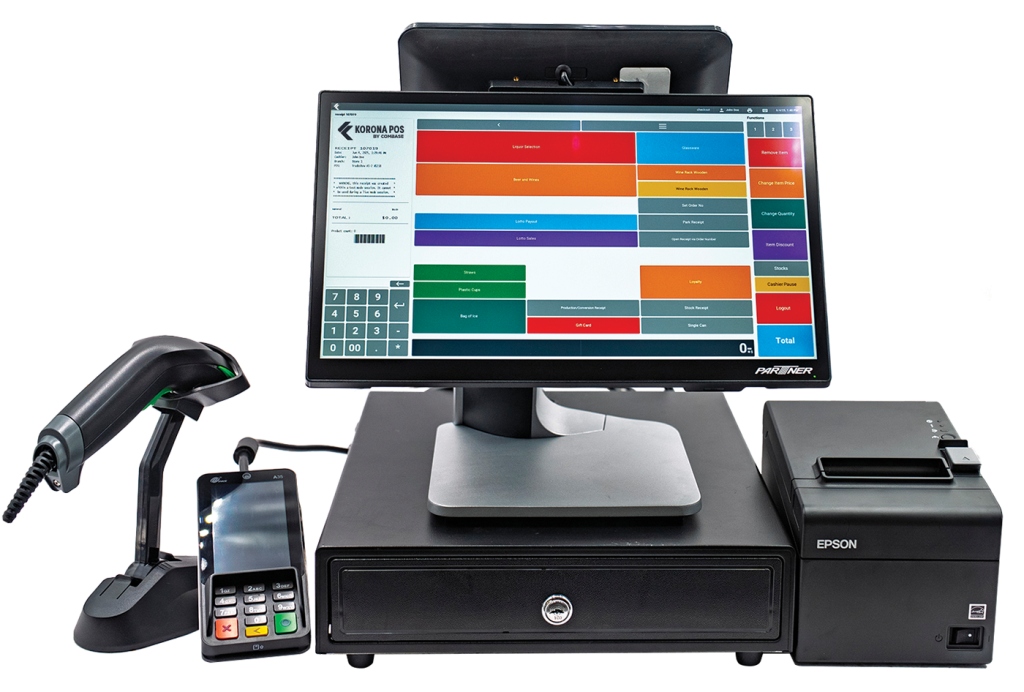
Best for: Retailers that want advanced inventory control and transparent pricing.
Key Features:
- Advanced inventory management with real-time tracking
- Custom reporting and analytics
- Integrated loss prevention tools
Pros: No long-term contracts, scalable for growing retailers, strong inventory depth.
Cons: Less focused on restaurant-specific workflows.
KORONA POS is particularly well-suited for specialty retail, liquor stores, convenience stores, and multi-location operations that need tighter cost control than flat-rate processors typically offer.
Get started with KORONA POS today!
Explore all the features that KORONA POS has to offer with an unlimited trial. There’s no commitment or credit card required.
POS #2 – Clover POS
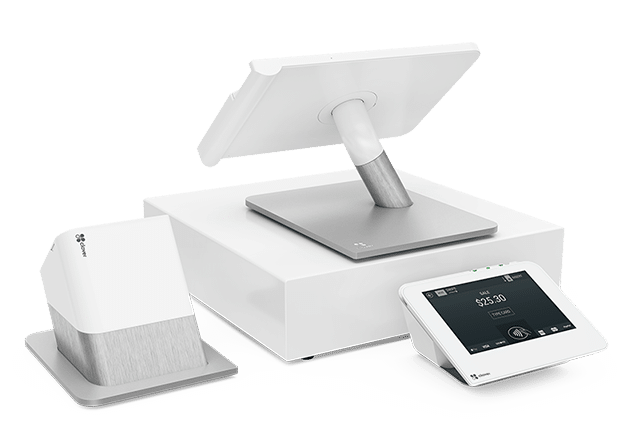
Best for: Businesses wanting hardware flexibility and app marketplace extensions.
Key Features:
- Customizable hardware options
- Large third-party app marketplace
- Integrated payments
Pros: Modular system; strong restaurant capabilities.
Cons: Pricing can vary significantly by reseller; contract terms differ.
POS #3 – Lightspeed Retail
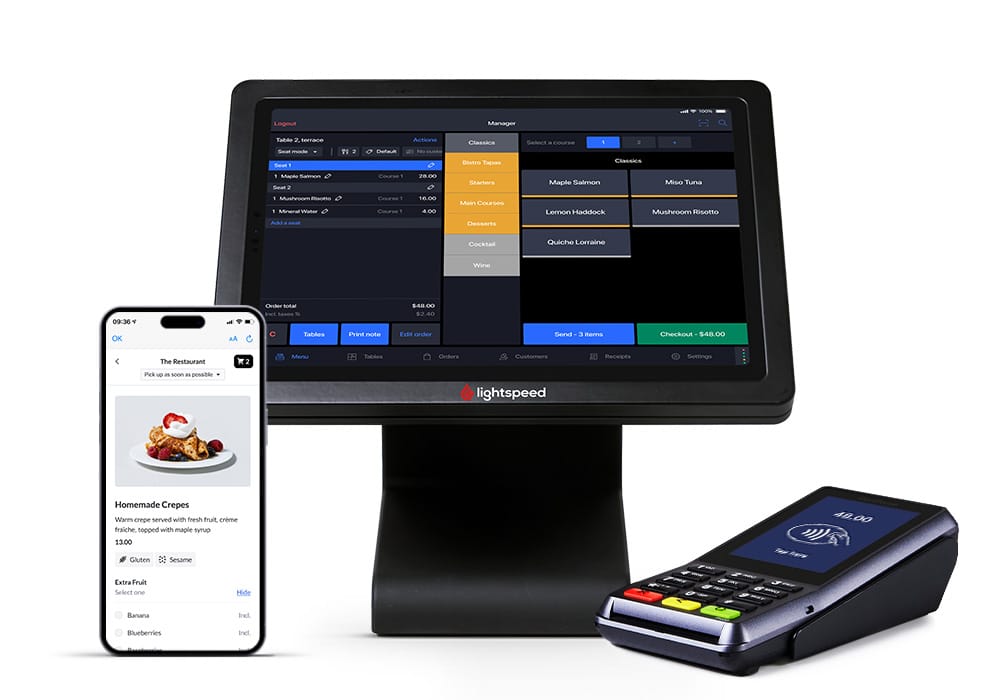
Best for: Inventory-heavy retailers and multi-location stores.
Key Features:
- Advanced inventory matrix tools
- Vendor management
- Detailed analytics
Pros: Strong reporting depth; scalable retail focus.
Cons: Higher monthly costs; onboarding can be more complex.
Better Retail Control With KORONA POS
Square POS works well for small businesses seeking simplicity and quick setup. However, as transaction volume grows, flat-rate processing and limited inventory controls can reduce margins and operational flexibility.
If your priority is deeper inventory visibility, transparent pricing, and scalable retail tools, consider exploring KORONA POS.
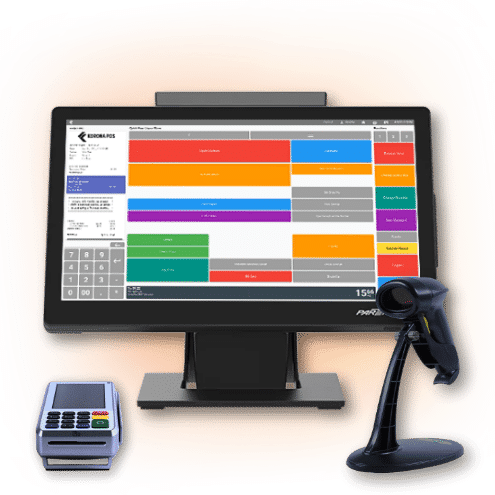

Speak with a product specialist to learn exactly what you need and how we can help.
Square POS Frequently Asked Questions (FAQs)
Is Square a good payment system?
Square is widely regarded as a reliable and effective payment system, offering businesses a user-friendly platform to accept various forms of payment. Its intuitive interface, seamless integration with mobile devices, and comprehensive reporting capabilities make it a popular choice among small to medium-sized businesses seeking simplicity and flexibility in managing transactions. However, businesses with complex needs or high transaction volumes may have limitations in Square’s features, processing fees, and customer support.
What is the downside of Square?
One downside of Square is its relatively limited customer support options. It primarily relies on email, online forums, and social media for assistance, which may not always provide immediate resolutions for urgent issues. Additionally, while Square offers basic inventory management features, businesses with complex needs may find these capabilities lacking compared to more specialized systems. Finally, some users have reported occasional account holds or sudden terminations by Square, highlighting potential risks for businesses reliant on the platform for payment processing.
How much does Square cost per month?
Square’s pricing varies based on the specific products and services businesses use. Square charges a flat fee per transaction for its basic payment processing service, typically around 2.6% + 10¢ for in-person transactions and 2.9% + 30¢ for online transactions. However, Square also offers additional services such as Square for Retail or Square Appointments, which may incur separate monthly subscription fees depending on the features required by the business.
What is Inventory Management Software?
Inventory management software is a digital system that tracks product quantities, sales, orders, and stock levels in real time. It helps businesses prevent stockouts, reduce overstocking, and maintain accurate purchasing and reporting.


