


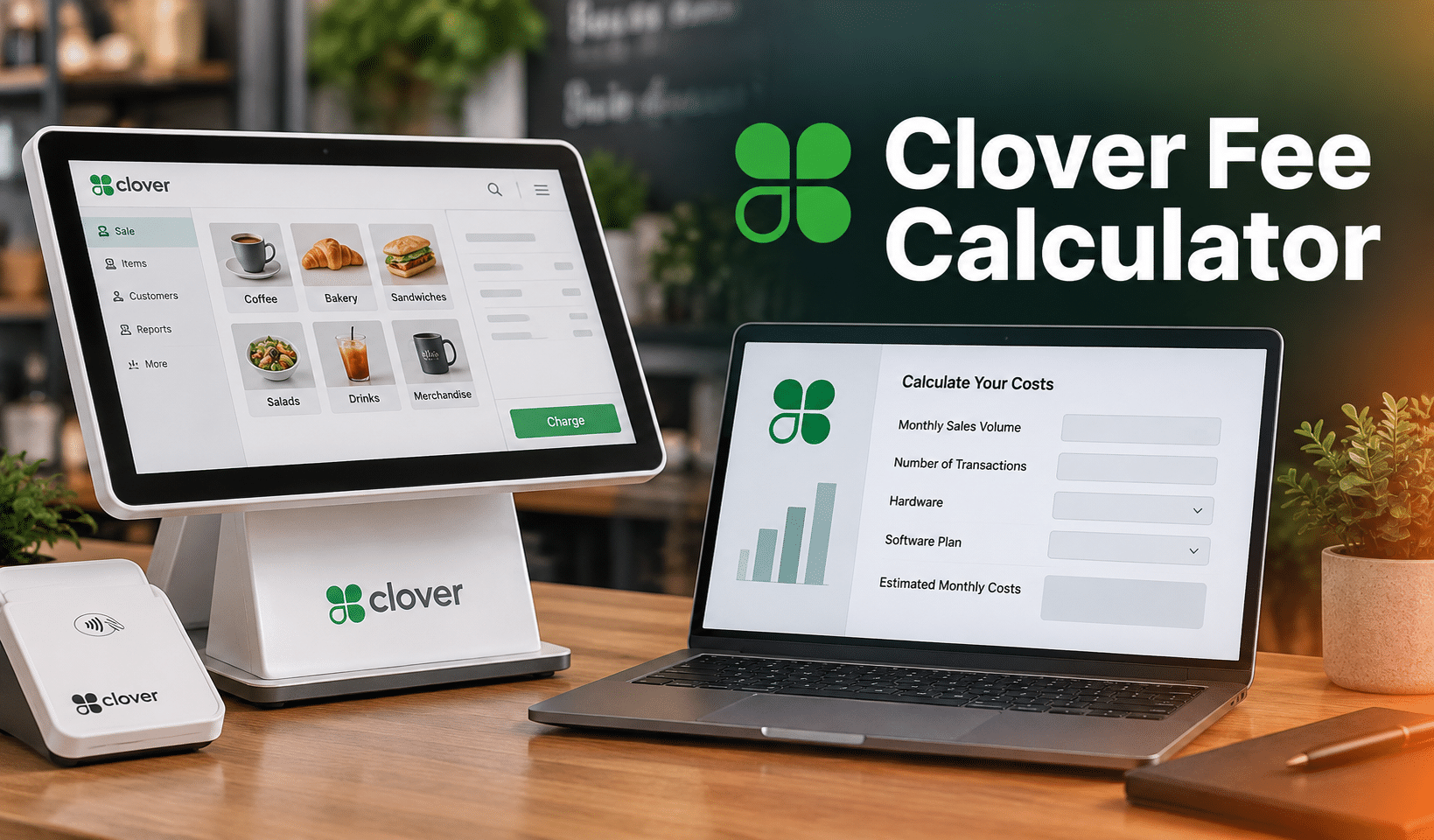
A Clover Fee Calculator only gets you close to the real number, because Clover splits its pricing between Clover Direct and a network of banks and independent sales organizations, each setting its own rate. Below, you will find how the software fee changes across Clover's six business types, the exact card-present and keyed-in rates tied to each plan, and the reseller markups that push a bill above what clover.com advertises. You will also see the add-on costs merchants forget to budget for and how to check whether your own rate is fair.
Key Takeaways:
- Clover's card processing rate depends on the software plan and business type, not one flat number.
- Banks and resellers sell Clover too, each pricing it differently from Clover Direct, so clover.com's rate is where pricing starts, not where it ends.
- A higher tier does not always lower your rate. Sometimes it only adds hardware and features for the same cost.
- Clover hardware only works with the processor that sold it, so a processor switch later means new equipment.
What Are Clover POS Fees?
Below, we explore Clover POS pricing, including Clover’s hardware costs, software subscription plans, payment processing fees, and add-on costs.
Clover Software Subscription Pricing
Clover prices its software by vertical as well as by tier, so the monthly fee depends on whether the business is retail, full-service dining, quick-service dining, professional services, personal services, or home and field services, not only which of the three tiers (Starter, Standard, Advanced) gets picked. Monthly software fees across all six verticals range from $0 to $129.85.
Every vertical that includes a card reader charges 2.6% on its entry tier and 2.3% above it, except Home & Field Services Standard at 2.5%. Professional Services is the exception: none of its tiers bundle a card reader, so only the keyed-in rate applies unless hardware gets added separately.
Moving up one full tier costs $19.95 more a month across all six verticals, though several tiers price identically, so the extra money only buys more hardware. A single extra device added to an existing plan costs $14.95 a month, separate from a full tier upgrade.
Clover Pricing by Plan
Pick your business type, then your plan tier. Your fees appear instantly below.
Step 1. Your business type
Step 2. Your plan tier
The keyed-in and online rate is 3.5% + $0.10 on every plan and vertical. Card-present rates vary by plan and whether Clover bundles a card reader. A dagger symbol means Clover does not publish a card-present rate for that plan; confirm with Clover or your reseller before signing. Rates reflect Clover Direct's published pricing and can differ from reseller quotes.
†Card-present is not part of the base plan on these tiers. Clover's own pricing pages mark it unavailable: Professional Services does not bundle a card reader on any tier, and Home & Field Services Starter runs through a web browser only. Add a card reader on either and a rate applies, confirm it directly with Clover before quoting one.
Clover Credit Card Processing Rates
In-person transactions run from 2.3% to 2.6% plus $0.10, depending on the plan, and any keyed-in or online sale runs a flat 3.5% plus $0.10 on all plans.
Square runs a comparable flat-rate model with a higher fixed fee per swipe, and the full rate comparison breaks down exactly where each one wins by ticket size.
Clover accepts credit and debit cards, contactless payments such as Apple Pay and Google Pay, PayPal, Venmo, cash, checks, and gift cards.
Why Your Clover Rate May Differ From The Advertised Rate
Clover is sold two ways: directly through Clover Direct, and through banks and independent sales organizations (ISOs) that act as the merchant acquirer and set their own pricing on top of Clover's hardware and software.
Clover's own pricing terms note that contract details can vary depending on which service provider signed the merchant, so the rate quoted on clover.com is a starting point rather than a guarantee.
The gap can be sizable in practice. Picture two retailers running an identical Station Duo on the same Retail Growth plan: one signed up through Clover Direct and pays the published 2.3% plus $0.10, while the other went through a reseller quoting tiered pricing and pays closer to 2.9% once "non-qualified" card surcharges get added in.
Same hardware, same plan, and almost half a point apart, with nothing on the storefront or the receipt to explain why.
How to Audit Your Own Effective Rate
Checking whether a quoted or existing rate is fair takes one calculation: pull the totals from your merchant processing statement and divide total card fees by total card volume to get an effective rate, then compare it against the published baseline for the matching plan above.
PRO TIP!
A gap of a few tenths of a percentage point can come from a mix of card types or a higher share of keyed-in sales. Anything beyond a full point, with no line-item explanation, is usually reseller markup, worth a call to negotiate it down.
Flat-Rate vs. Reseller Pricing
Flat-rate pricing through Clover Direct is transparent and predictable, which suits small businesses with modest card volume that would rather not track interchange categories.
Resellers and third-party merchant service providers such as Dharma Merchant Services or National Processing sometimes offer interchange-plus or tiered pricing instead, and that structure can lower costs for high-volume merchants, though it also opens the door to add-on fees that never appear on Clover's own pricing page.
Reported complaints about Clover fees point at resellers far more often than at Clover Direct itself: hidden charges, long lock-in contracts, and tiered pricing that quietly raises the cost of certain card types. Reading the merchant agreement line by line before signing is the most reliable defense.
Payment processors giving you trouble?
We won't. KORONA POS is not a payment processor. That means we’ll always find the best payment provider for your business’s needs.
Clover Add-On Costs
Add-ons sit on top of hardware, software, and processing fees, and the App Market is usually where they add up fastest.
- Clover App Market: More than 200 third-party apps cover payroll, inventory, and accounting, and many carry their own subscription. Cost: $5 to $50/mo per app, depending on the app.
- Clover Security (TransArmor): Encryption and tokenization for fraud protection, with coverage up to $100,000. Cost: $5/mo per Merchant ID.
- Hardware Add-Ons: Scales, barcode scanners, kitchen printers, PIN pads, and cash drawers. Cost: $50 to $300, depending on the device.
- Third-Party Delivery Integration: DoorDash, Uber Eats, and Grubhub connections are bundled into restaurant plans, but each platform still charges its own delivery fee. Cost: Varies by integration and plan.
- Rapid Deposit: Faster access to funds, available on Clover Flex and other devices. Cost: An additional 1.75% of the transaction.
- Clover Capital: Financing repaid through a percentage of daily card sales. Cost: Varies by term.
- PCI Compliance: Clover Direct includes PCI compliance at no extra charge, but some resellers bill it separately. Cost: $5 to $15/mo where charged.
Factors That Influence Your Total Clover Fees
Cost differences between two Clover merchants rarely trace back to one line item. Several factors stack together to set the final bill.
1. Which Reseller Signs You
The single biggest swing factor is who sold the account. Clover Direct publishes one rate, and each bank or ISO reseller is free to price its own version of that hardware and software bundle.
2. Hardware Configuration & Deployment
Device choice (Station, Flex, Mini, or Go) sets the upfront or financed cost within a hardware bundle, and accessories like scanners, drawers, and kitchen printers add hundreds more.
3. Financing vs. Upfront Purchase & Contract Terms
Financing spreads hardware cost over 36 to 48 months and can carry steep early termination fees, while buying upfront costs more at signing but lowers the monthly bill afterward.
4. Number of Terminals & Locations
Each additional terminal needs its own software license and, in some cases, its own merchant account.
5. Software Plan & App Selections
Plan tiers run from Starter to Growth, and App Marketplace add-ons can tack on another $5 to $50 a month per app.
6. Transaction Mix & Volume
Card-present sales price well below card-not-present sales (roughly 2.3% to 2.6% versus 3.5% or higher), so a business that takes a lot of phone or online orders pays a meaningfully higher blended rate than one that swipes cards at the counter. Some merchants offset that gap with a card surcharge on keyed-in or online orders, where state law allows it.
Is Clover The Right Fit For You?
Clover suits small restaurants, mom-and-pop retail stores, and independent service businesses that want one system for payments, inventory, and staff management.
Pros:
- All-in-one solution: Integrated hardware and software cover payments, inventory, sales reporting, and employee management.
- Modern, intuitive design: Simple hardware and an easy-to-navigate interface keep the learning curve short for new staff.
- App Marketplace: A wide app library adds functionality like loyalty programs and online ordering.
- Offline mode: Transactions keep processing without an internet connection.
- Reporting: Built-in dashboards cover sales, inventory, and customer behavior.
Cons:
- Not recommended for high-risk businesses: Liquor stores, vape and smoke shops, and CBD retailers typically need a high-risk merchant account elsewhere, since Clover restricts these categories.
- Proprietary hardware: Clover devices only work with Clover, which limits flexibility down the road.
- Pricing complexity and hidden fees: Costs shift meaningfully depending on the reseller, add-on apps raise the monthly bill further, and some merchants report funds being held without much warning.
- Limited customization: The app market helps, but the core software offers less customization than some competitors.
- Inconsistent customer service: Some users report slow support when troubleshooting Clover POS issues.
PRO TIP!
Consider industry fit and contract length before signing. Clover works well for low-risk businesses that want an all-in-one package, while high-risk merchants are usually better served by a platform built to work with a specialized processor.
Explore KORONA POS as a Best Alternative to Clover POS
KORONA POS gives businesses an escape route from Clover's layered fee structure. It ranks among the best Clover POS alternatives for merchants tired of tracking hardware leases, processing rates, and reseller markups separately.
KORONA runs on a flat, subscription-based pricing model with no hidden fees, which gives small and mid-sized retailers a predictable monthly bill instead of three moving numbers. Industry-specific features and built-in inventory management software make it a fit for vape shops, liquor stores, and ticketing venues in particular.
Merchants also pick their own payment processor with KORONA, free from being locked into one provider, which keeps transaction fees negotiable instead of fixed by whoever owns the hardware.
Speak with a product specialist and learn how KORONA POS can power your business.
FAQ
How Much Does Clover Charge Per Transaction?
A $50 in-person sale costs between $1.25 and $1.40, since Clover's card-present rate moves with the software plan, from 2.6% down to 2.3%. Keyed-in and online sales stay flat at 3.5% plus $0.10 no matter which plan is active.
Why is My Clover Rate Higher Than What's Advertised?
A bank or ISO likely signed the merchant, not Clover Direct, and prices Clover's hardware and software on its own terms. When that happens, clover.com's number stops applying, and the difference is typically reseller markup that can be negotiated.
Is Clover Cheaper Than Square?
At the entry level, the two are close: Clover's Starter plan charges 2.6% plus $0.10 against Square's 2.6% plus $0.15, so Clover's smaller fixed fee wins on lower ticket sizes. Clover can drop to 2.3% plus $0.10, but only on a paid plan.
Can I Use Clover Hardware With a Different Processor?
No. Once Clover hardware is activated on Clover's network, through Clover Direct or a third party, moving to a different processor means buying new equipment, not just opening a new account. Confirm this before signing any lease agreement.
When Does a Paid Clover Plan Pay For Itself?
A Growth plan at $84.95 a month saves 0.30 percentage points over the free Starter plan, so it breaks even at roughly $28,000 in monthly card-present volume. Below that volume, Starter is the cheaper option despite its higher percentage.
What Hidden Fees Should I Watch For With Clover?
Watch for reseller-added PCI compliance fees, App Marketplace subscriptions that stack up per app, early termination charges on financed hardware, and tiered "non-qualified" card surcharges that some resellers add on top of Clover's published rate.


